Minecraft Shield Designer
A shield takes its pattern from a banner, so build the banner from a base colour and patterns. Below you get the /give command for a shield in the chosen version and the loom and crafting table steps.
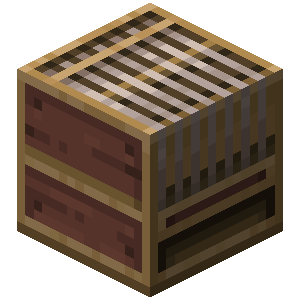
How to make it in a loom
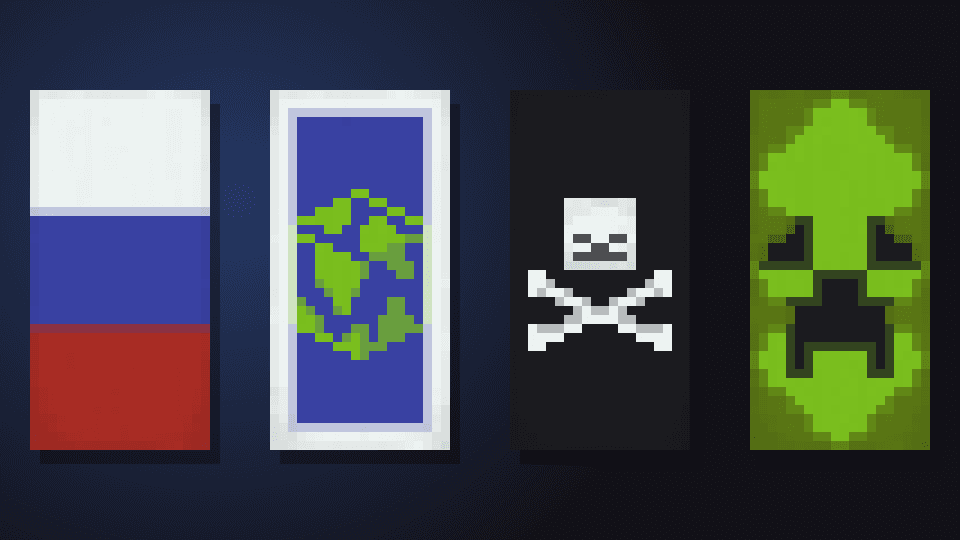
Put a banner and a dye into the loom, plus a banner pattern item for special patterns, then pick the pattern. Each step adds one layer
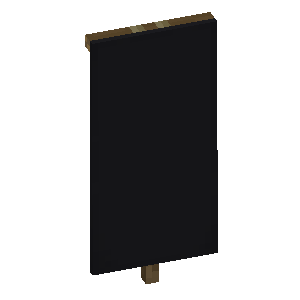 Black BannerBase: a banner made from wool of this colour
- Step 1
 White Skull ChargeWhite Dye + Skull Charge Banner Pattern
Put the shield and the finished banner on a crafting table, and the pattern moves onto the shield while the banner is used up
How to use the command in game
- 1Turn on commands
In a single-player world, press Esc, choose "Open to LAN", turn on "Allow Commands" (called "Allow Cheats" in older versions) and click "Start LAN World". On a server, only an operator (op) can run commands.
- 2Paste the command into the chat
Copy the command with the button above. In game, press T, paste it with Ctrl+V and press Enter.
- 3
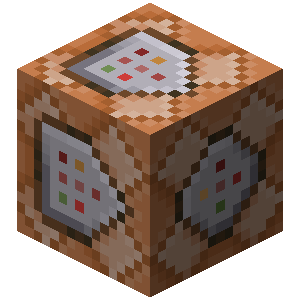 Long command? Use a command block
The chat fits up to 256 characters. For a longer command, get a command block with /give @p command_block (you need Creative Mode), place it and right-click it. Paste the command into the top field, click "Done", put a lever next to the block and switch it on.
Description
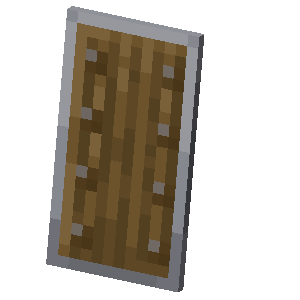
A shield in Minecraft blocks hits and arrows, and its pattern comes from a banner. Shields were added in version 1.9, so no command is built for older versions.
How to use the designer. It works like the banner maker: pick a base colour, add patterns in layers and change their order with the arrows. The preview shows the front of the shield.
The /give command. Before 1.20.5 the base colour and patterns are stored in the shield's BlockEntityTag NBT, and from 1.20.5 in the base_color and banner_patterns components. The command is rebuilt for the version picked next to the heading.
How to make it in the game. Make the banner in a loom following the steps under the designer, then put the shield and the banner on a crafting table. The pattern moves onto the shield and the banner is used up. A pattern can only go onto a shield that has no pattern yet.
How do you put a pattern on a shield in Minecraft?
Craft a shield from six planks and an iron ingot, then make a banner with the pattern you want in a loom. Put the shield and the banner on a crafting table, and the pattern moves onto the shield while the banner is used up. The designer above shows the dye and pattern for every step, and the /give command gets you the finished shield at once.