Minecraft Banner Maker
Pick a base colour and add patterns layer by layer, as in a loom. Below you get the /give command for the chosen version and a step-by-step loom recipe.
How to make it in a loom
Put a banner and a dye into the loom, plus a banner pattern item for special patterns, then pick the pattern. Each step adds one layer
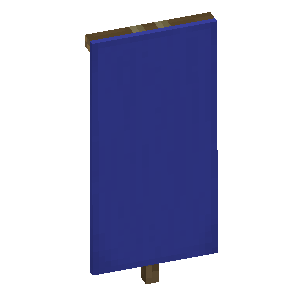 Blue BannerBase: a banner made from wool of this colour
- Step 1
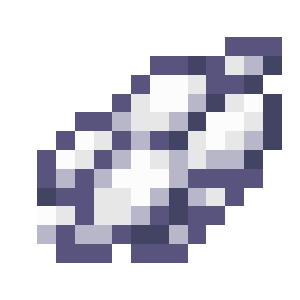 White ChiefWhite Dye
 - Step 2
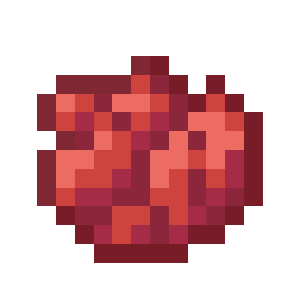 Red BaseRed Dye
How to use the command in game
- 1Turn on commands
In a single-player world, press Esc, choose "Open to LAN", turn on "Allow Commands" (called "Allow Cheats" in older versions) and click "Start LAN World". On a server, only an operator (op) can run commands.
- 2Paste the command into the chat
Copy the command with the button above. In game, press T, paste it with Ctrl+V and press Enter.
- 3
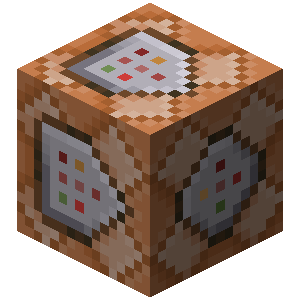 Long command? Use a command block
The chat fits up to 256 characters. For a longer command, get a command block with /give @p command_block (you need Creative Mode), place it and right-click it. Paste the command into the top field, click "Done", put a lever next to the block and switch it on.
Description
A banner in Minecraft stands on the ground or hangs on a wall, and its pattern can be moved onto a shield. The design is built in layers: a banner has a base colour, and every next pattern goes over the previous ones.
How to use the maker. Pick a base colour, then a pattern colour, and click a pattern in the grid to add it as a new layer. To change a layer you already added, select it in the list, and the grid and palette start changing its pattern and colour. The arrows change the layer order, and country flags are filled in with one click.
A /give command for any version. Pick the game version next to the heading, and the command is rebuilt for it. Before 1.13 the banner is given as minecraft:banner with a numeric colour, from 1.13 to 1.20.4 the patterns go into the BlockEntityTag NBT, and from 1.20.5 into the banner_patterns component. Patterns that the chosen version does not have yet are removed from the command with a warning.
The loom. Since version 1.14 patterns are applied in a loom, and the maker lists every step: which dye to put in and whether a banner pattern item is needed. A loom fits 6 patterns on one banner, while a command can give a banner with more layers.
How do you make a banner in Minecraft?
Craft a banner from six wool of one colour and a stick, then place a loom. The loom takes the banner and a dye, plus a banner pattern item for special designs such as the creeper or the skull. Each pattern you pick goes on as a new layer over the previous ones, and a loom fits six of them. Build the banner in the maker above to see the dye and pattern for every step, or use the /give command to get the finished banner at once, even with more layers.