MOTD Generator for Minecraft
The MOTD is the server description under its name in the server list. Write two lines and colour them, and a line for the server.properties file appears below.
A Minecraft Server
Description
A server description (MOTD) is the two lines under the server's name in the server list. The editor shows you right away how they will look in the game. You can use:
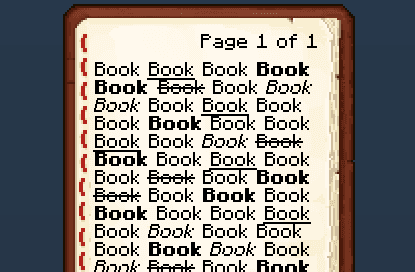
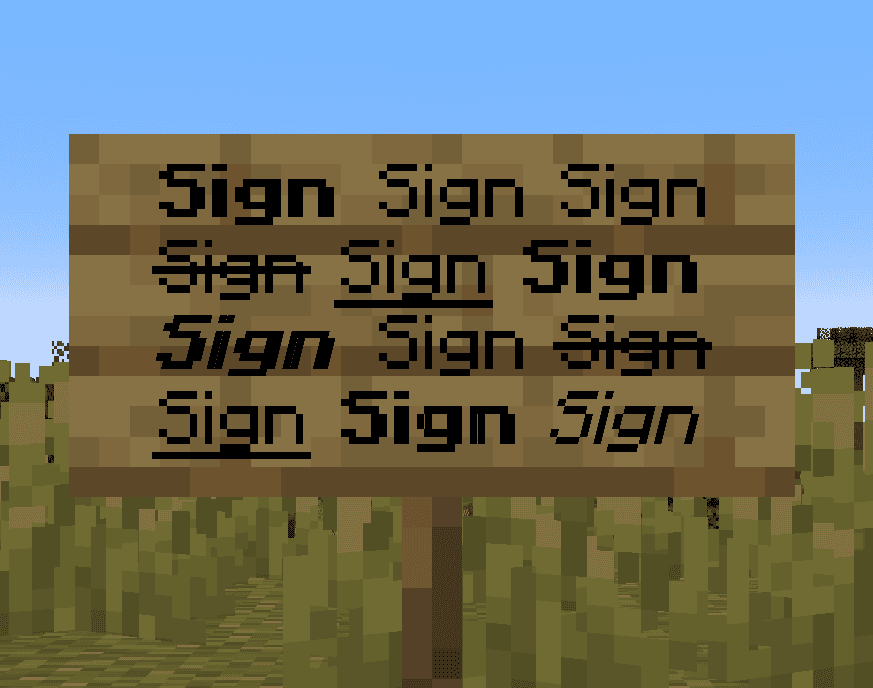
Text formatting: bold, italic, underlined, strikethrough and obfuscated (magic) text. Combine them freely to build your own look.
Special characters. Insert the special characters Minecraft supports directly into your text.
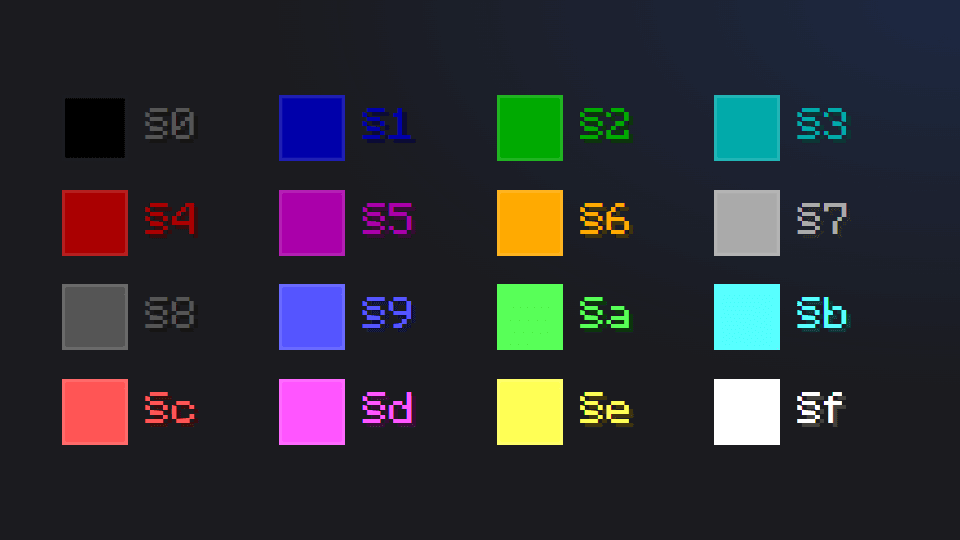
Minecraft colours and the hex colours added in 1.16. The palette offers three colour models — RGB, HSV and hex. Select some text, pick a colour, and the editor converts it into the form the game expects.
Gradients. Add, move and recolour the gradient's key points, or remove the ones you do not need. The text updates as you change the settings, so it is easy to land on the look you want. Apply your changes to commit the gradient.
Server preview. Upload your server icon to see how it sits in the server list. You can also set the server name shown in the preview — players choose that themselves in game, but it makes the mock-up easier to judge.
Templates
Save your work as a template to load, reuse or edit later. Templates live in your browser's storage and are completely private — clearing the site's data removes all of them.
Worth knowing
A description can end up too long, or spill past the two lines the server list gives you. If that happens, trim the text in the editor until it fits. The editor renders the description exactly as the game does, so what you see here is what players will see in their server list.
How do you change a Minecraft server's description in the list?
The two lines under a server's name in the list are the motd field in server.properties. Colour and style come from the old section codes (§), which have to be written as \u00A7 in that file, and line breaks as \n. Getting that right first time by hand is close to impossible, so type your description in the editor above: it shows how the lines will sit in the launcher and gives you the finished server.properties string.