Minecraft Colour Codes
All 16 Minecraft colours and 6 text styles with their § and & codes, HEX values and JSON names. Click a code to copy it.
Colours
- Blackblack · #000000
- Dark bluedark_blue · #0000AA
- Dark greendark_green · #00AA00
- Dark aquadark_aqua · #00AAAA
- Dark reddark_red · #AA0000
- Dark purpledark_purple · #AA00AA
- Goldgold · #FFAA00
- Greygray · #AAAAAA
- Dark greydark_gray · #555555
- Blueblue · #5555FF
- Greengreen · #55FF55
- Aquaaqua · #55FFFF
- Redred · #FF5555
- Light purplelight_purple · #FF55FF
- Yellowyellow · #FFFF55
- Whitewhite · #FFFFFF
Text styles
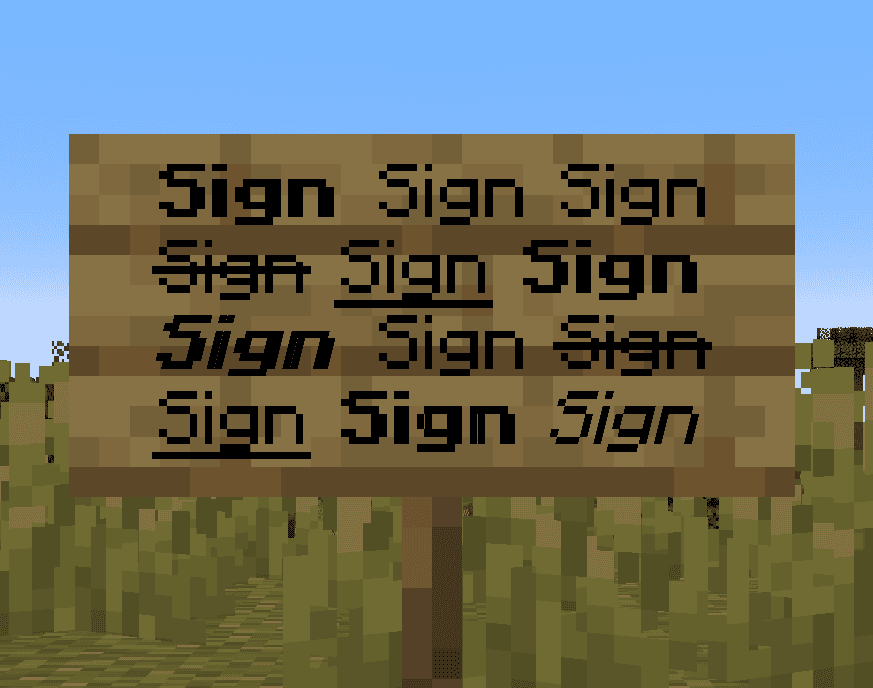
- MinecraftRandom charactersobfuscated
- MinecraftBoldbold
- MinecraftStrikethroughstrikethrough
- MinecraftUnderlinedunderlined
- MinecraftItalicitalic
- MinecraftReset
Coloured text editor
Welcome to my server!
How to use the command in game
- 1Turn on commands
In a single-player world, press Esc, choose "Open to LAN", turn on "Allow Commands" (called "Allow Cheats" in older versions) and click "Start LAN World". On a server, only an operator (op) can run commands.
- 2Paste the command into the chat
Copy the command with the button above. In game, press T, paste it with Ctrl+V and press Enter.
- 3
 Long command? Use a command block
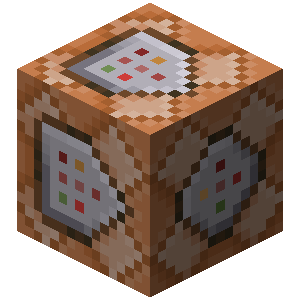
The chat fits up to 256 characters. For a longer command, get a command block with /give @p command_block (you need Creative Mode), place it and right-click it. Paste the command into the top field, click "Done", put a lever next to the block and switch it on.
Description
The table above collects every Minecraft formatting code in one place. Each colour lists its code with the § sign and with &, its name for JSON text and its HEX value.
Codes with §. This is how the game itself writes colour: the section sign followed by a letter or digit. server.properties (where § is written as §), resource pack language files and many plugins read these codes.
Codes with &. The § sign is hard to type on a keyboard, so server plugins accept & in its place. In chat these codes work only if the plugin allows them.
Code order. A colour code clears bold, italic and the other styles, so the style goes after the colour: &a&l gives bold green text, while &l&a gives plain green. The &r code returns text to its normal look.
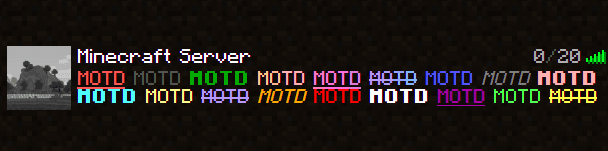
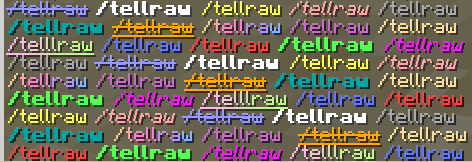
HEX colours. From version 1.16, JSON text for /tellraw, /title and books can use any colour in #RRGGBB form. Many plugins read &#RRGGBB, and in a server description Spigot, Paper and BungeeCord read HEX in the §x form. If you pick a version before 1.16, the converter replaces HEX with the nearest of the 16 standard colours.
Coloured text editor
Select a word in the editor and pick a colour, style or gradient from the toolbar, as in a word processor. The codes field below follows along, and text with & or § codes pasted into that field shows up in the editor at once. Below it are three ready versions: a string with §, a line for server.properties and JSON text for commands. The JSON follows the format of the Minecraft version you picked.
How do you write in colour in Minecraft chat?
Minecraft won't let you type the § sign in chat, so a plain chat message can't be coloured. On a server with a chat plugin the & codes from the table above usually work, if the plugin allows them. Without plugins, coloured text reaches the chat only through /tellraw, where a colour is set by name, such as red, or from version 1.16 as a HEX value. The converter above turns & codes into that JSON text.