
Minecraft 26.2 "Chaos Cubed" Update
The Minecraft "Chaos Cubed" update for Java Edition 26.2 and Bedrock Edition 26.30 adds sulfur caves, the sulfur cube, and blocks made of sulfur and cinnabar.
 English
The second game drop of 2026 came out on June 16. Its main features are the sulfur caves and the sulfur cube, a mob that absorbs blocks. The block inside decides how the cube moves.
Sulfur caves
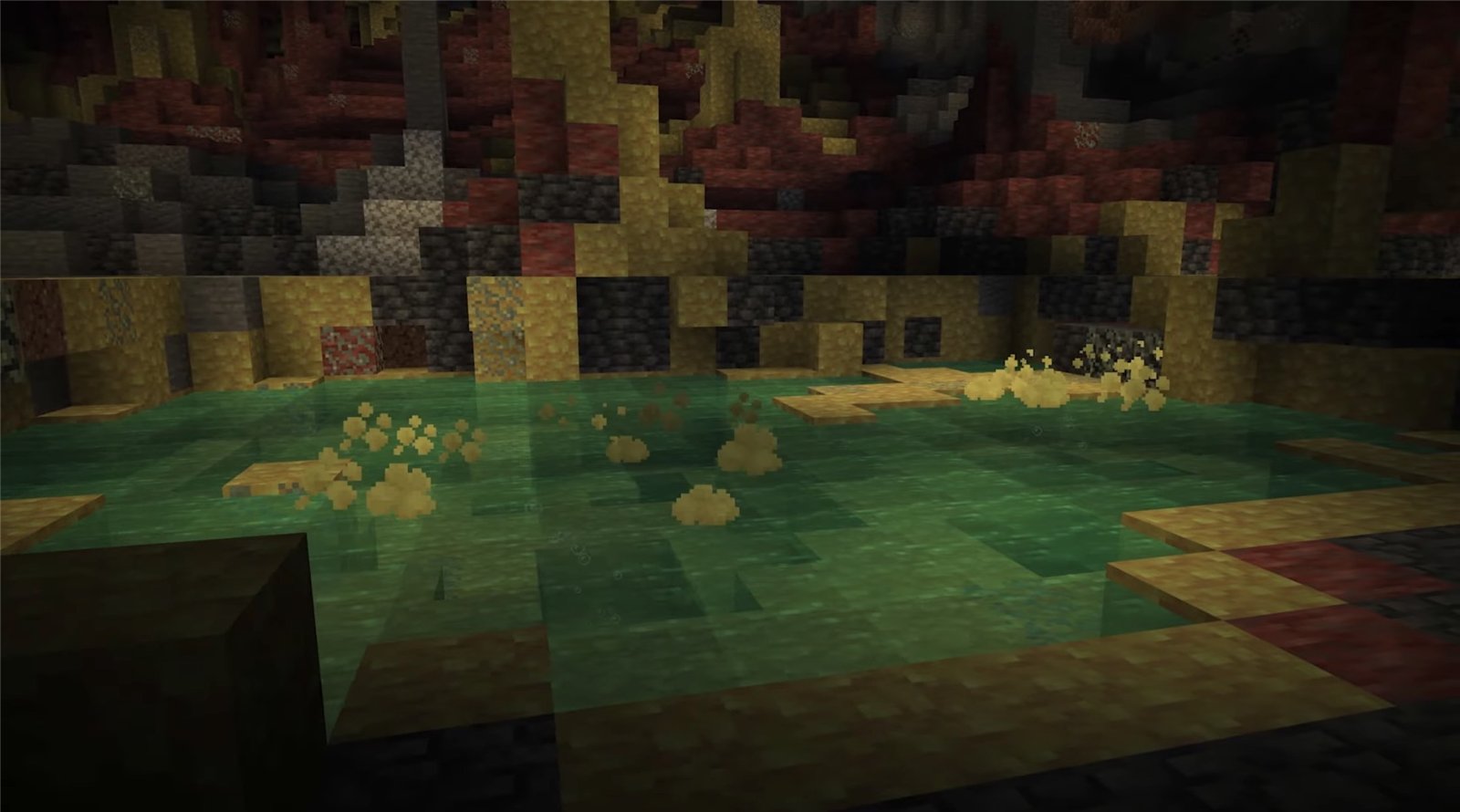
- Added the underground "Sulfur Caves" biome. Bands of sulfur and cinnabar alternate in it, and it has shallow sulfur pools and glow lichen
 .
. - Sulfur cubes
 and cave spiders
  spawn in the sulfur caves.
 - In Java Edition, creepers
 , skeletons
  , zombies
  , zombie villagers
  , slimes
  , endermen
  , witches
  , and bats
  also spawn there.
 - Added potent sulfur
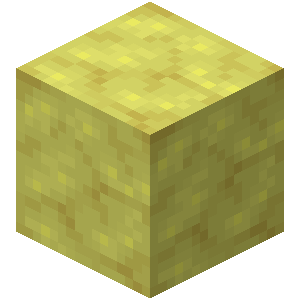 . It forms at the bottom of the pools.
 - Added sulfur spikes
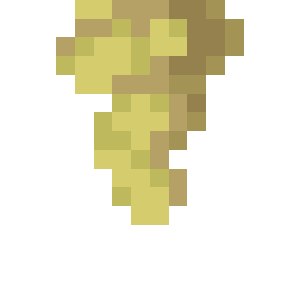 . They grow on sulfur blocks.
 - Added sulfur springs made of sulfur, potent sulfur, and magma. They appear on the surface above the caves and come in four sizes, from small to extra large.
- In Java Edition, the "Adventuring Time" advancement now requires visiting the sulfur caves.
Sulfur cube
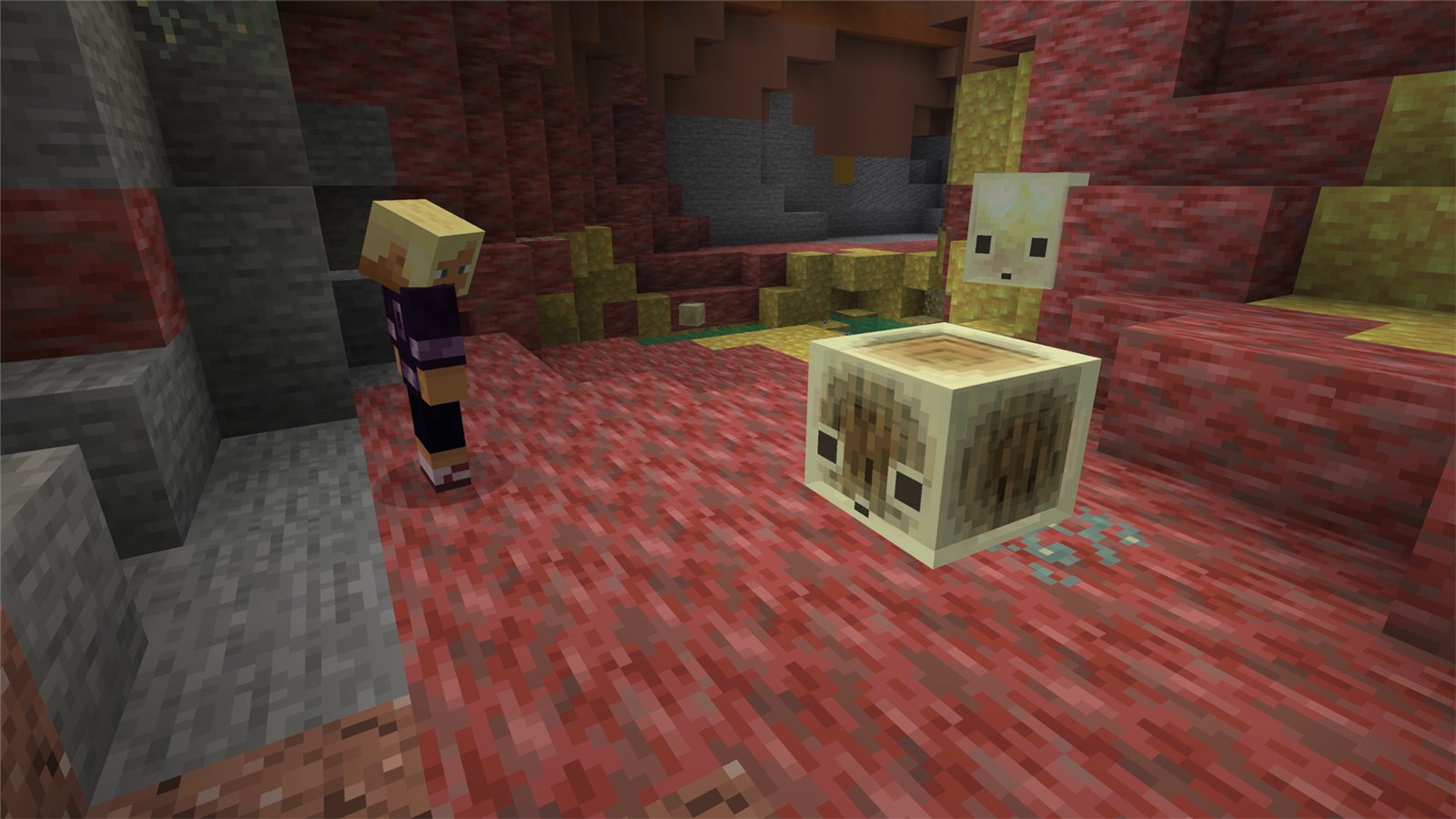
Added the sulfur cube, a new mob that moves by hopping. It picks up dropped blocks and follows a player who holds a suitable block.
Behavior
- The cube absorbs a block that is given to it and stops moving on its own. With a block inside, it can be hit and pushed.
- While a block is inside, the cube takes no fall damage and no damage from player attacks.
- The block can be removed with shears
 , and the cube starts moving on its own again.
 - A killed cube splits into two small cubes. Small cubes grow up when they are fed slimeballs
 .
. - A large cube can be caught with an empty bucket
 . The result is a Bucket of Sulfur Cube
  .
. - A dispenser
 can now put a block into a cube or swap it for another one, remove the block with shears, and release a cube from a bucket.
 - Cubes cannot enter boats, but they can ride in minecarts
 .
. - Pufferfish
 are not afraid of cubes.
 - In Bedrock Edition, a cube now flies off at an angle when it is hit while the attacker sprints or swims, or with a weapon enchanted with Knockback.
The block inside and how the cube moves
A cube has 12 behavior types. The block inside decides the type, which sets its speed after a hit, bounciness, ground friction, air drag, and buoyancy. Two of them, for TNT and magma, are described below.
- With dirt
 , clay, mud, or concrete powder, the cube floats on water, and its speed and bounciness are medium.
 - Wooden blocks
 make the cube fast, very bouncy, and buoyant.
 - Stone blocks
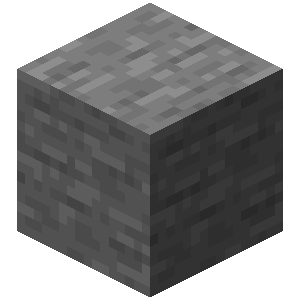 make the cube slow but bouncy.
 - Metal blocks
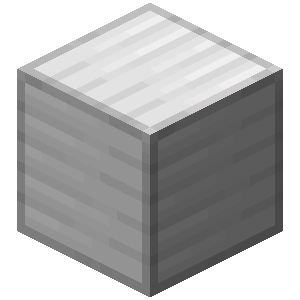 make the cube slow, and it bounces weakly.
 - Organic blocks, including coral blocks, sponge
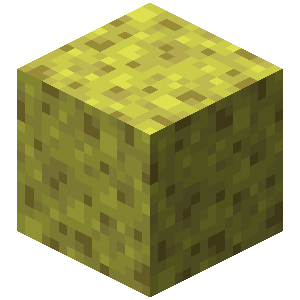 , and moss
 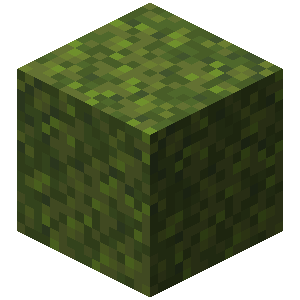 , make the cube fast, but it bounces weakly.
 - Wool
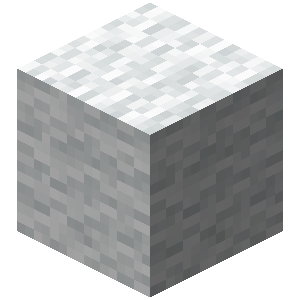 makes the cube light, slow, very bouncy, and buoyant, and it slows down sharply in the air.
 - With blue ice
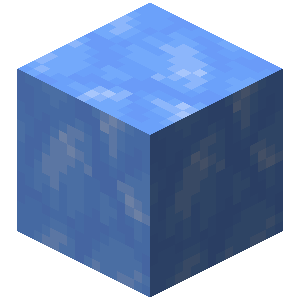 , packed ice, or a snow block
 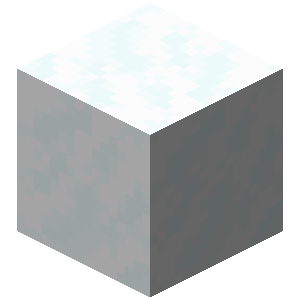 , the cube slides fast and does not bounce.
 - With mushroom blocks
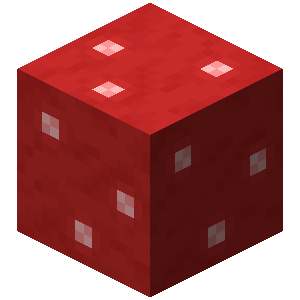 , the cube slides slowly and does not bounce.
 - Soul sand
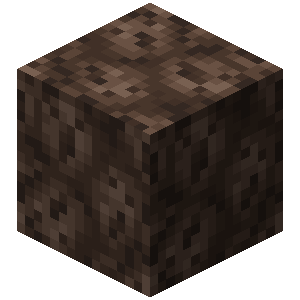 and soul soil
 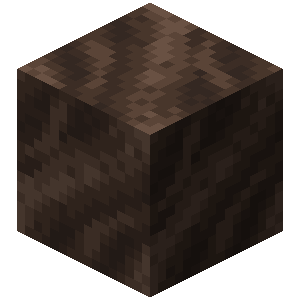 make the cube very slow, with high ground friction.
 - A honeycomb block
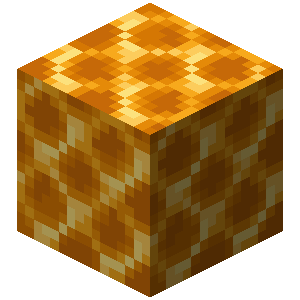 makes the cube cling to the ground, and it does not bounce.
TNT and magma
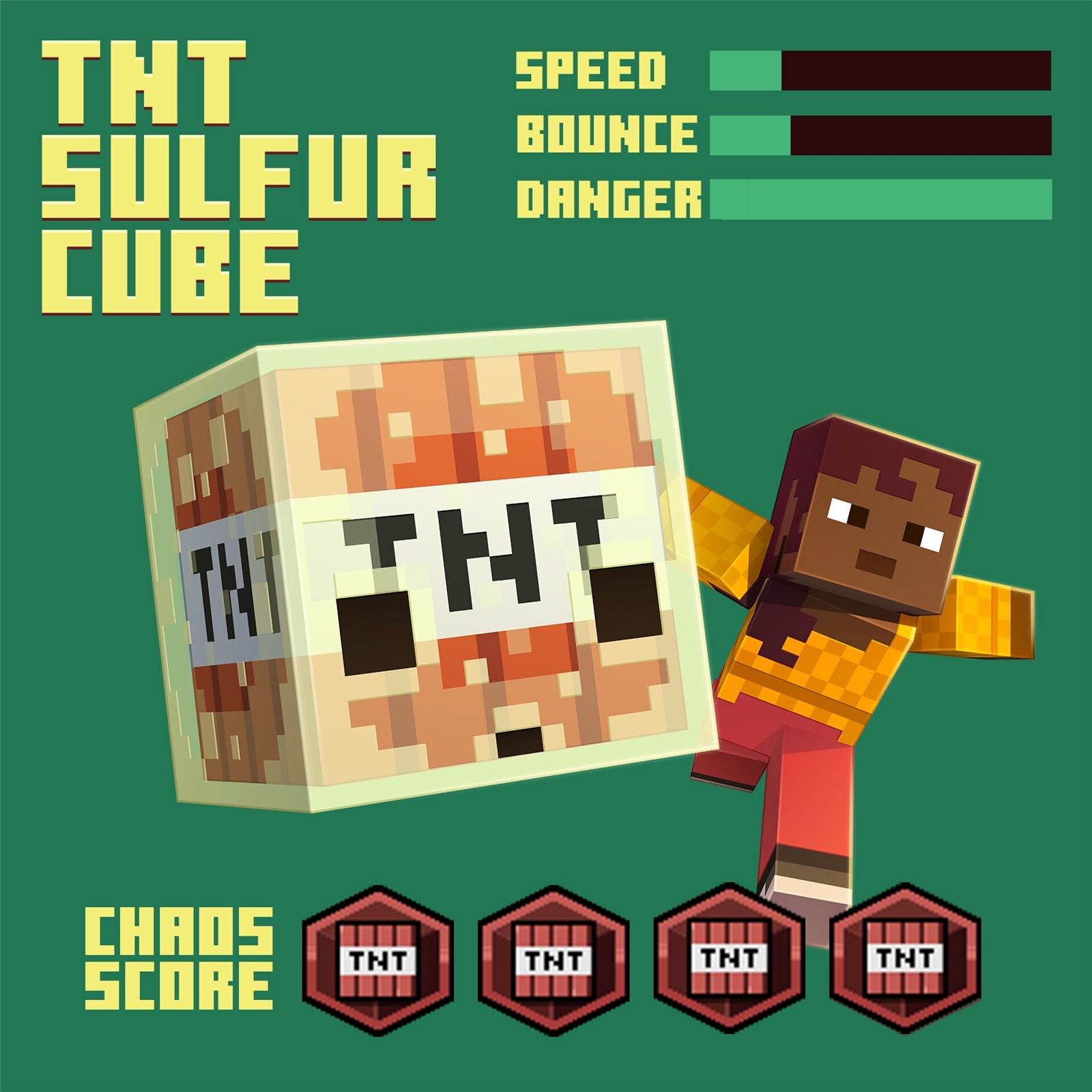
- A cube with TNT
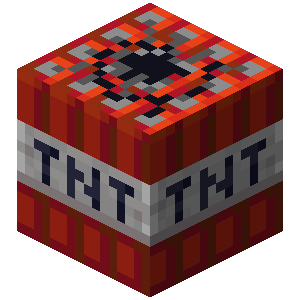 explodes when the TNT inside goes off. The TNT is set off by fire, including flint and steel
  in a dispenser, by a redstone signal, or by a nearby explosion.
 - In Java Edition, the fuse burns for 6 seconds after fire or a redstone signal, and for a random time between 0.75 and 3 seconds after a nearby explosion.
- A lit cube cannot be caught with a bucket, and its TNT cannot be removed with shears. No small cubes appear after the explosion.
- In Java Edition, the "Uh Oh" advancement from the "Husbandry" tab was added. It is granted when a sulfur cube absorbs TNT.
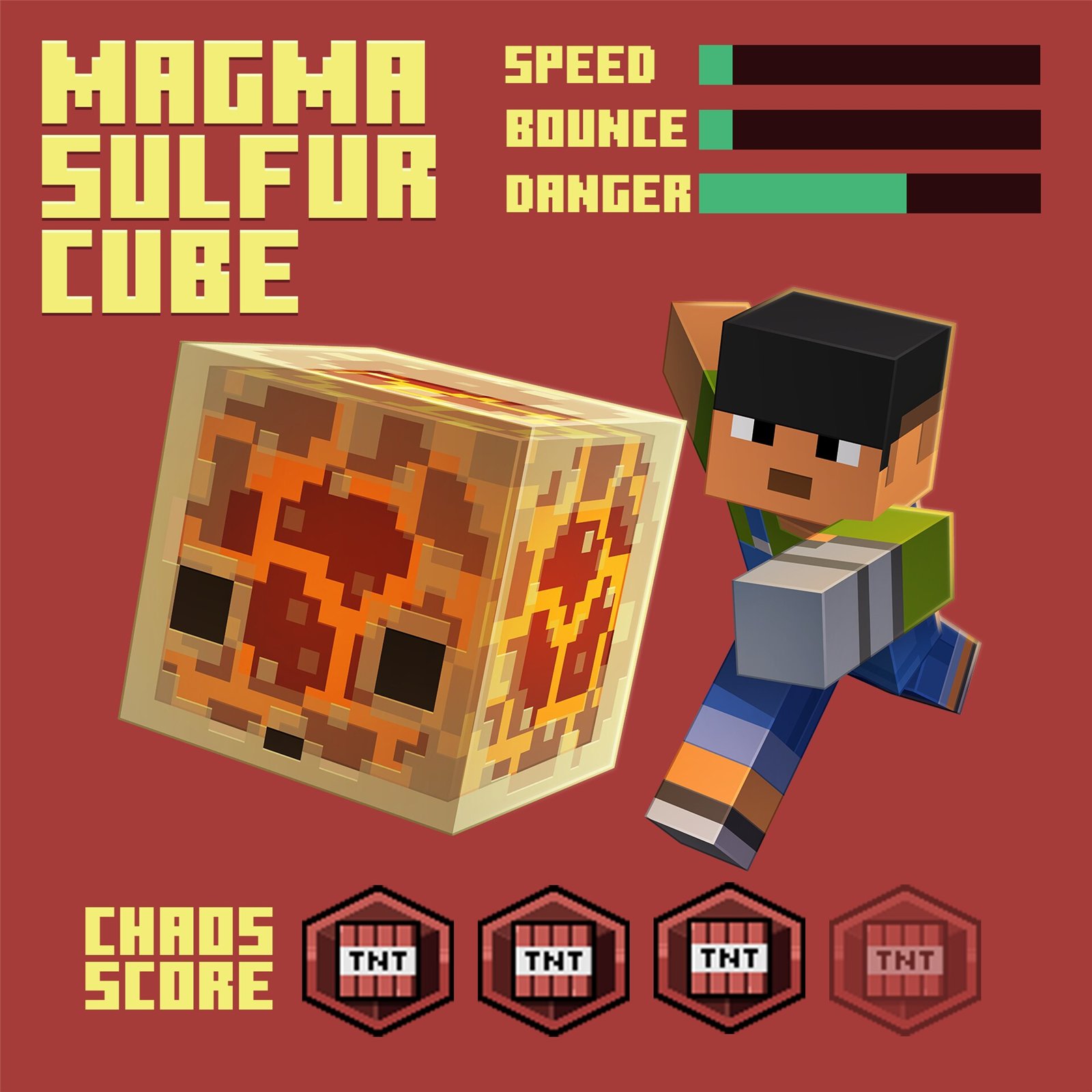
- A cube with magma
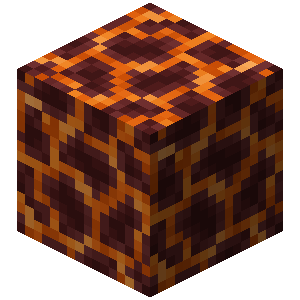 damages creatures that touch it.
 - In Java Edition, dying to such a cube shows the message "[player] died because not just the floor is lava".
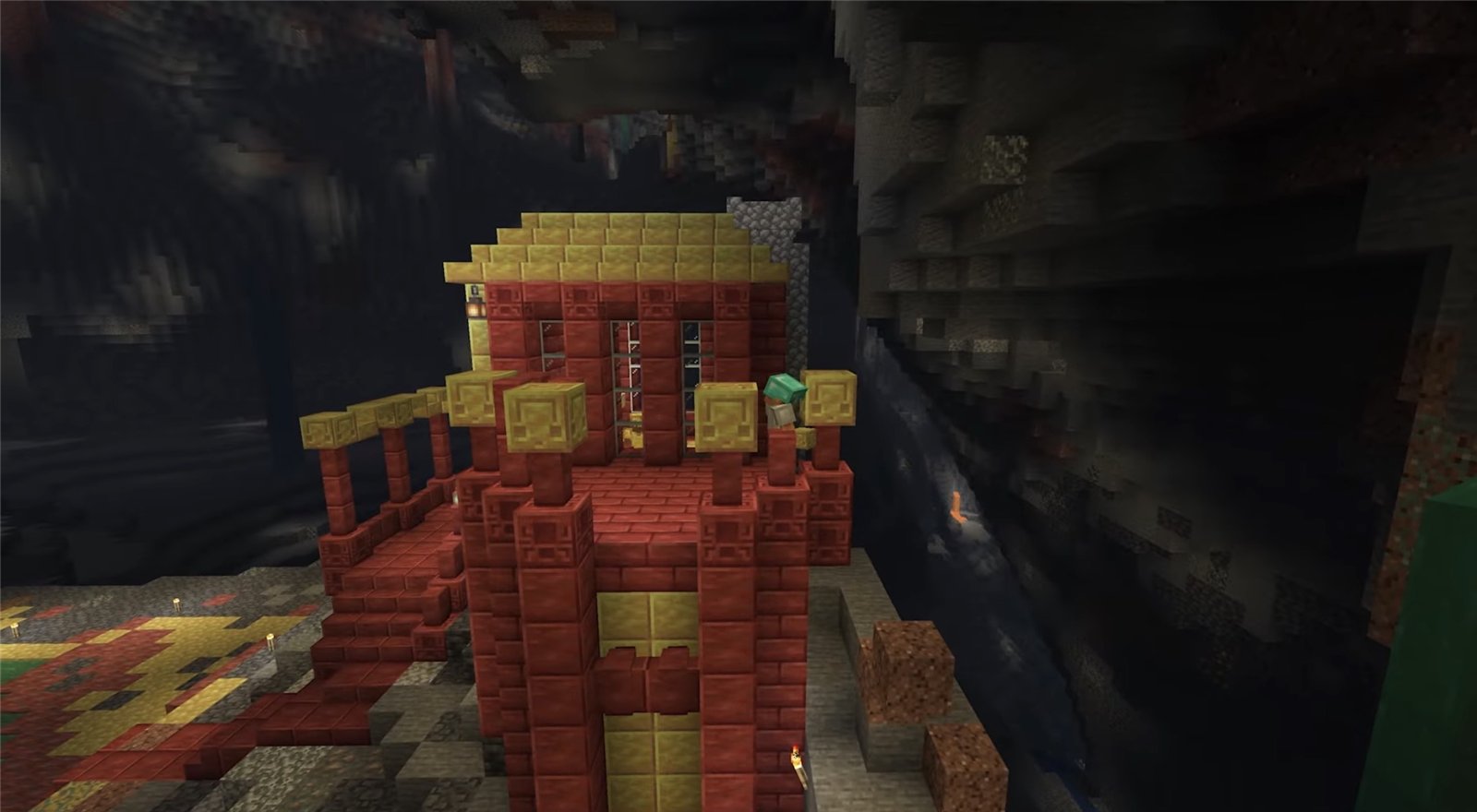
Sulfur and cinnabar
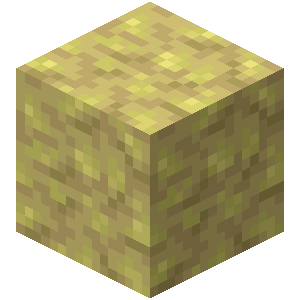
- Added two building block sets, one of sulfur
 and one of cinnabar
 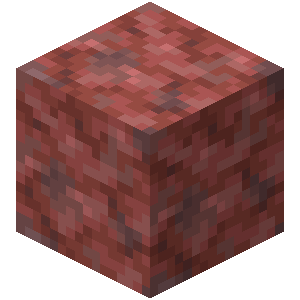 . Sulfur is yellow and cinnabar is red.
 - Each set has a polished block
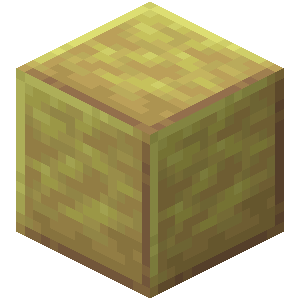 , bricks
  , and a chiseled block
 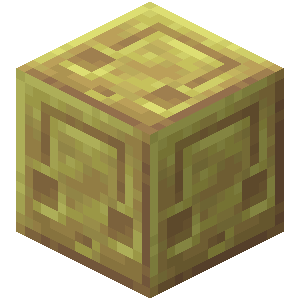 . The base block, the polished block, and the bricks also come as slabs, stairs, and walls.
 - Four base blocks laid out in a 2×2 square give four polished blocks, and four polished blocks in the same way give four bricks. A chiseled block is made from two slabs placed one above the other in the recipe.
- All the derived blocks of both sets can also be made in a stonecutter
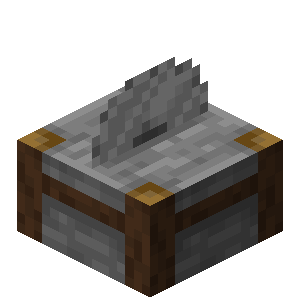 .
.
Potent sulfur and geysers
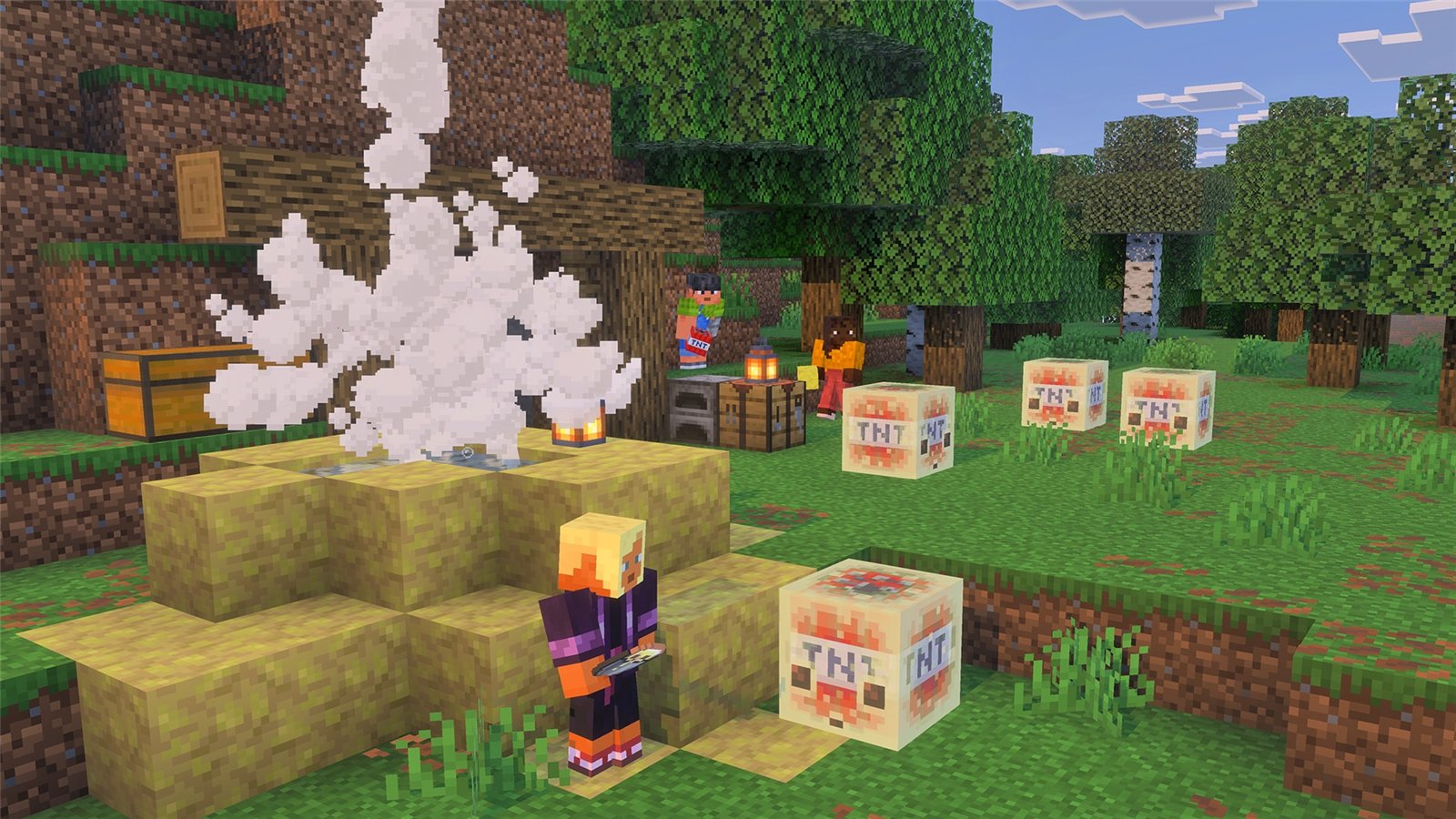
- Potent sulfur forms at the bottom of sulfur pools and releases bubbles. It is crafted from nine sulfur blocks .
- Bubbles rise in the water no more than four blocks.
- If potent sulfur is placed under a layer of water one to four blocks thick, a cloud of noxious gas appears above the water. The cloud spreads over adjacent water blocks within a radius of up to three blocks and causes nausea in nearby players and mobs.
- If potent sulfur sits on magma or lava
 under a layer of water one to four blocks thick, a geyser forms. A geyser on magma erupts at random intervals, shoots up a jet of water, and throws creatures above it into the air. A geyser on lava erupts continuously and sounds more muted.
 - Sculk sensors
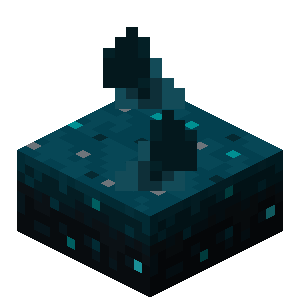 now pick up the start and end of an eruption.
Sulfur spike
- The sulfur spike resembles pointed dripstone and grows in the sulfur caves.
- A spike on a ceiling becomes a stalactite, and on a floor a stalagmite. Several spikes in a row form longer stalactites and stalagmites.
- If the tips of a stalactite and a stalagmite are next to each other, they merge. A spike placed while sneaking does not merge. A stalactite grows if it hangs under a sulfur block.
- A stalagmite breaks without support below, and a stalactite falls without support above. A falling stalactite deals damage. Landing on a stalagmite does not add fall damage.
- A thrown trident
 breaks sulfur spikes.
 - Four spikes are crafted into one sulfur block.
- In Java Edition, the wandering trader
 now sells two sulfur spikes for an emerald
  .
.
Music and sounds
- Added five background tracks by the composer fingerspit, "Shores", "Memories", "Nightly", "Home", and "Ebb". In Bedrock Edition they play in the main menu, in Creative mode, and in twenty biomes, including the sulfur caves.
- Added a music disc
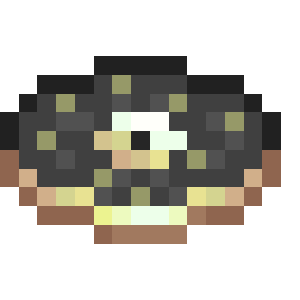 with the track "Bounce" by the same author. It can be found in minecarts with chests
  in abandoned mineshafts that pass through the sulfur caves.
 - In Java Edition, a comparator connected to a jukebox
 playing this disc outputs a signal of strength 8.
 - Added sounds for sulfur, potent sulfur, and cinnabar blocks, the sulfur cube, catching a cube with a bucket, and geyser eruptions. The sulfur caves got their own background music.
Other changes
Java Edition only
- Hoglins are now treated as hostile mobs and no longer spawn on Peaceful difficulty.
- Ocelots in jungles and bamboo jungles now spawn on Peaceful difficulty too.
- Some mobs have changed sizes, eye heights, and rider positions, and one of the chicken's voice variants has new sounds.
- Beds now bounce slightly more, as in Bedrock Edition, and a creature bouncing off a block or another creature now creates a vibration.
Both editions
- The sounds of the nautilus jet and "Nautilus recovers" were updated.
Bedrock Edition only
- A slider that sets the rotation speed of the main menu panorama was added to the video settings.
- Texture streaming is on by default on PC and mobile devices. It can be turned off in the video settings.
- The furnace recipe book no longer requires enabling experiments.
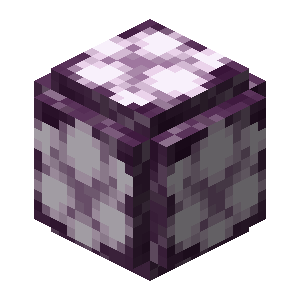
- Bees now follow a player who holds a chorus flower
 or a spore blossom
 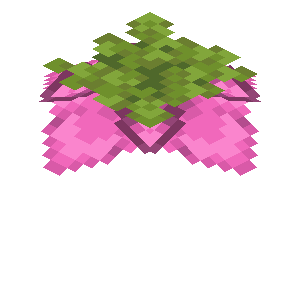 . These flowers can be used to breed bees and speed up the growth of baby bees. Bees pollinate both flowers. Trees that grow next to these flowers can get a bee nest.
 - Iron doors and stone buttons now generate in strongholds.
- Party chat messages are now visible during play, and they can be answered with the /party command.
- In the pause menu, Realms Hub replaces the Realms Stories button.
- Added cloud backups of worlds on Windows. The feature is at an early testing stage.
Friends List in Java Edition
Added the Friends List. It opens with the "Friends" button on the main screen and in the pause menu, and by default also with the O key. When the button first appears, the game offers to turn the list on.
- The list appears over the game and has two tabs, "Friends" and "Requests". A friend is added by profile name.
- The button shows the number of incoming requests if there are no more than five, and a badge instead of a number when there are more.
- Under a friend's name is one of the statuses "Offline", "Online", "Online (LAN)", "Online (World)", "Online (Realm)", or "Online (Server)".
- Notifications report sent, received, and accepted requests. They show the other player's face if their skin is loaded.
- A "Friends List" section was added to the network settings. It lets the player turn off in-game notifications and incoming requests, and choose what friends see. Friends can be shown all in-game activity, only the "Online" and "Offline" statuses, or nothing. A separate button opens the privacy and online safety settings of the Microsoft account.
- If a player's Xbox profile allows chat only with friends, the player sees messages only from friends.
Vulkan and the "Graphics API" setting
Added experimental rendering through Vulkan. A new "Graphics API" option was added to the video settings with the values "Default", "Prefer Vulkan (Experimental)", and "Prefer OpenGL".
- The "Default" value currently means OpenGL. The developers recommend leaving it on "Default" unless there is a specific reason to change it.
- Vulkan may lower performance and cause crashes. The graphics card and driver must support Vulkan 1.2 with dynamic rendering and push descriptors, otherwise the game uses OpenGL.
- With Vulkan, the game uses the dedicated graphics card rather than the integrated one when possible.
- Which API is in use can be seen on the debug screen (F3) in the system_specs section.
- On macOS, Vulkan calls are translated to Metal through MoltenVK.
- If the game crashes at startup with "Prefer Vulkan (Experimental)", the option is reset to "Default" automatically.
- A new graphics API takes effect after the game is restarted.
Interface and world in Java Edition
World and network
- "Game Mode" and "Allow Commands" buttons were added to the world settings, available to the world owner. They are disabled in Hardcore mode.
- If the world owner switches their own game mode with F3 + F4 or a command, the world's default game mode changes with it.
- A "Settings for Other Players" section was added to the "Open to LAN" menu. There the world owner chooses the game mode of other players and allows or forbids commands for them, independently of their own settings.
- Added the /unpublish command, which closes a multiplayer game.
- Some worlds created before 26.1 may upgrade faster.
Screen and language
- The background panorama of the main menu was updated.
- When there are more particles than the limit allows, the game no longer removes particles that are already flying and instead randomly chooses which ones to render. This is especially noticeable when many geysers erupt.
- Removed Touchscreen Mode. According to the developers, it had long been poorly implemented and was not properly supported.
- Added Swiss French, Chuvash, Gallo, Uzbek, and Võro to the language list.
Technical changes
Java Edition
- The data pack format version is 107.1, and the resource pack version is 88.0.
- Sulfur cube behavior types are defined in data packs, in the sulfur_cube_archetype registry. An entry defines speed after a hit, bounciness, friction, buoyancy, explosion, and contact damage. The blocks that give a cube this type are listed in an item tag.
- The attributes bounciness, friction_modifier, and air_drag_modifier were added. The attributes name_tag_distance and below_name_distance set the distance from which an entity's name and the score under it are visible. The minimum value of knockback_resistance was lowered from 0 to −2.
- Added the sulfur_cube_content data component, which stores the item absorbed by a cube.
- The entity predicate format changed. All keys are now namespaced identifiers, and old names without a prefix still work, except type, which was renamed to entity_type. Unknown fields are rejected, where they used to be ignored.
- In resource packs, beds, signs, and hanging signs are rendered with block models instead of built-in entity models. Old textures need to be redone, and the Slicer tool is provided for the migration. Sign text cannot yet be configured through the models.
- The textures block/quartz_pillar.png and block/purpur_pillar.png were renamed with the suffix _side.
- The feature type pointed_dripstone was renamed to speleothem. The types sequence, template, and weighted_random_selector were added.
- The density function weird_scaled_sampler was removed and is replaced by interval_select.
- The color argument of /team modify and /waypoint modify accepts only lowercase names with underscores, for example dark_purple.
- The parameters chat-spam-threshold-seconds and command-spam-threshold-seconds were added to server.properties, so the spam threshold for chat and for commands is now set separately. Both default to 10, and 0 turns off the automatic kick for spam.
- The management server (Server Management Protocol 3.0.0) now starts before the game server.
Bedrock Edition
- On dedicated servers, the allow list is now on by default. If the list is empty, the server prints a warning at startup.
- Custom Projectiles for add-ons no longer require enabling experiments.
Java Edition 26.2 had no hotfix versions. The next update, 26.3 "Wilderness Bound", came out on September 15, 2026.
Download JustLauncher
Discussion
No comments yet
Be the first to leave one