
Minecraft 1.21.6 "Chase the Skies" Update
Minecraft's summer drop "Chase the Skies" is out. It brings a Happy Ghast that carries up to four riders at once, Leads for whole caravans and the Locator Bar.
 English
The drop came out on June 17, 2025, in Java Edition 1.21.6, and Bedrock got it the same day as version 1.21.90. Its centerpiece is the Happy Ghast, a peaceful relative of the regular Ghast. You grow one from a Dried Ghast found in the Nether and fly it in a Harness. The second big addition is the Locator Bar. It's a bar on your screen that tells you which way your friends are.
The mechanics around the ghast got tuned up too. To get one, you'll head down to the Nether, soak the Dried Ghast in water back home, feed the Ghastling Snowballs and gather Leather for the Harness. The same Leather goes into the Saddle, which you can finally craft. Leads learned to tie mobs to each other, and with them a Happy Ghast can lift a boat or a Horse into the air. Two hotfixes followed. On June 30, 2025, Java Edition 1.21.7 added the "Dennis" painting and the "Lava Chicken" disc, and on July 17 Java Edition 1.21.8 fixed graphics on Intel graphics cards. Everything described below is accurate as of 1.21.8.
Happy Ghast
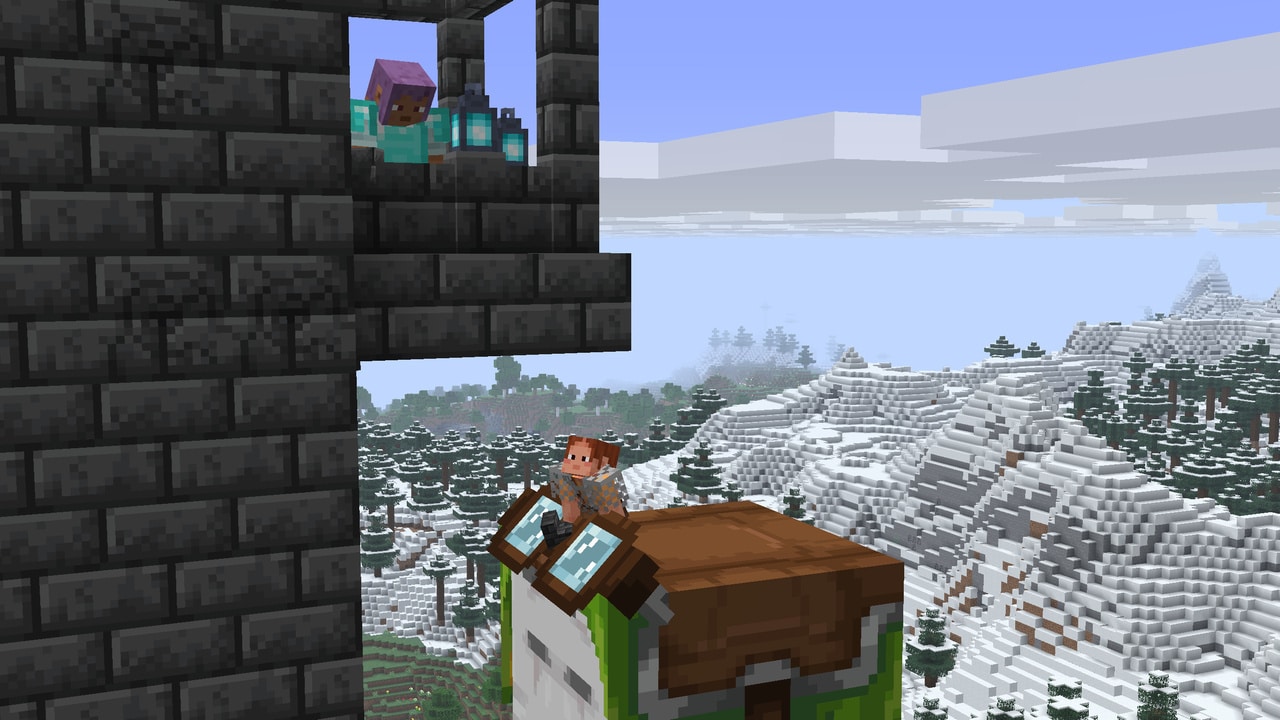
The Happy Ghast  is a peaceful flying mob that carries four players at once. Unlike the regular Ghast
  , it doesn't shoot fireballs. You can only fly on it when it wears a Harness.
Where to find a Dried Ghast
The Dried Ghast 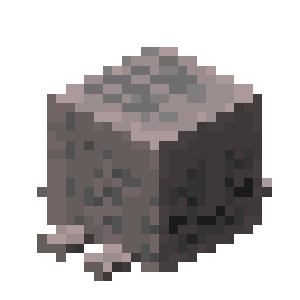 is the block a Ghastling eventually comes out of. Look for it in the Nether, next to Nether fossils in Soul Sand Valleys. Piglins
  occasionally hand one over in exchange for a Gold Ingot
  . You can also craft it from 1 block of Soul Sand
 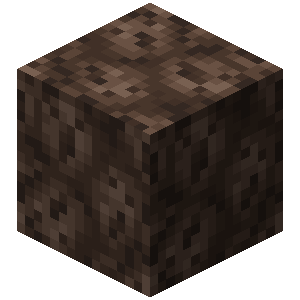 and 8 Ghast Tears
  . The tears go in a ring around the sand on a crafting table. That still doesn't spare you the Nether trip, though, because you get the tears by fighting Ghasts. The block breaks instantly, even by hand, and always drops intact.
How to rehydrate it
Place the Dried Ghast so that the block is waterlogged. Water evaporates in the Nether, so you'll have to soak it at home in the Overworld. Underwater, the block changes its look three times, looking wetter each time. Its sounds and particles change along with how wet it is. After about 20 minutes a Ghastling comes out of it. Without water, the Dried Ghast dries out again, and at the same rate. If you break it while it's soaking, its hydration resets and you'll have to start over. It only makes its dry crackling sound when it sits on Soul Sand or Soul Soil. The first time you place a Dried Ghast in water, the game gives you the "Stay Hydrated!" advancement.
Ghastling
The Ghastling is a baby Happy Ghast. It follows any player who comes within 16 blocks. If no players are nearby, the Ghastling picks an adult peaceful or neutral mob within the same radius, such as a Cow, a Horse  , a Cat or a Wolf
  . And when there's no one to follow, it stays within 32 blocks of its home. Its home is the spot where it appeared or where a player last interacted with it.
On its own, a Ghastling grows into an adult Happy Ghast in about 20 minutes. Snowballs  speed that up. A Ghastling is drawn to a player holding a Snowball, and to feed it you just click on it. Happy Ghasts can't be bred. Every one needs its own Dried Ghast.
Harness and flight 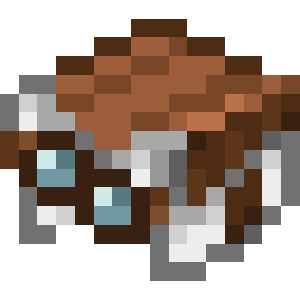
First, the Happy Ghast needs a Harness. Take one in your hand and click the ghast. While it has no Harness, the ghast drifts toward whoever is holding one. Once the Harness is on, click the ghast again and you'll climb on. The first player takes the front seat on top and controls the flight. Three more take the seats on the sides, clockwise from the first. When someone is steering, the Harness goggles drop down over the ghast's eyes, and anyone can tell from the outside that it has a pilot.
The Forward key flies the ghast where you're looking, and the Back key flies it the opposite way. Left and Right move it sideways, and Jump lifts it straight up. There's no separate key for going down. To descend, look down and fly forward. You get off with Sneak. In flight, the third-person camera pulls back farther than usual, and the game records the distance in the "Distance by Happy Ghast" statistic.
How it behaves
With no riders and no Harness, the ghast wanders within 64 blocks of its home. With a Harness on, that range shrinks to 32 blocks, and on a Lead  to 10. Let it fly more than 16 blocks away and the Lead snaps. The ghast stays close to blocks and flies around fire, Magma Blocks, Cacti, Sweet Berry Bushes, Wither Roses and Pointed Dripstone. If all its riders jump off in midair, it first descends to the ground and only then starts wandering again. The ghast takes no fall damage. Underwater, its riders get off on their own. It heals slowly, but faster in rain or snow and at cloud height. It doesn't get into boats, and it doesn't panic when hurt.
Building and cargo
Stand on a Happy Ghast and it freezes in place, turning to face one of the cardinal directions. It doesn't need a Harness for this. A still ghast makes a handy platform for building high above the ground, for example placing blocks under a balcony without Scaffolding. The ghast lifts cargo too. You can hook up a boat or a large mob that doesn't fit in a boat, meaning a Horse, a Donkey  , a Mule
  , a Camel
  or a Sniffer
  . One Lead is enough for this hookup, even though the game draws it as four taut ropes. Hook up a Boat with Chest
  and it turns into a flying cargo hold.
Harness
Only the Happy Ghast can wear a Harness. You make one on a crafting table from 3 Leather 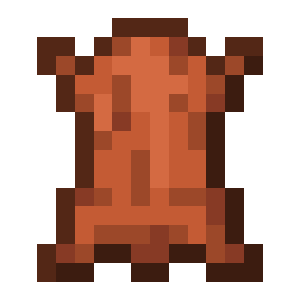 , 2 blocks of Glass
  and 1 block of Wool
  . The Leather goes in the top row, with Glass, Wool and Glass again in the row below it. Whatever color the Wool is, that's the color of the Harness. You can re-dye a finished Harness by placing it on a crafting table together with any dye.
Colors
Like Wool, the Harness comes in 16 colors. There are White, Orange 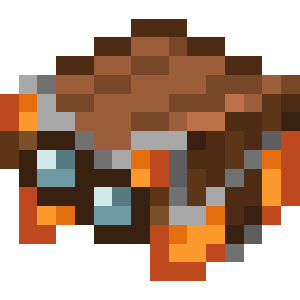 , Magenta
 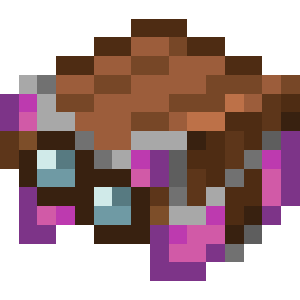 , Light Blue
 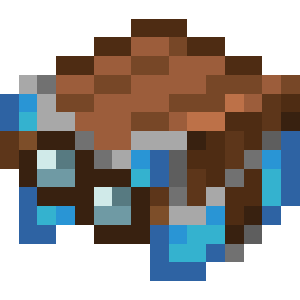 , Yellow
 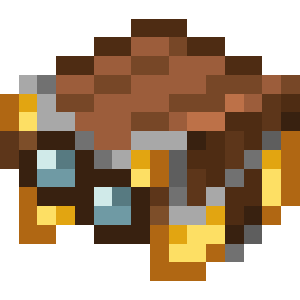 , Lime
 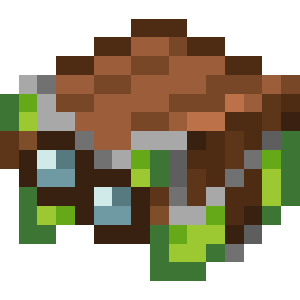 , Pink
 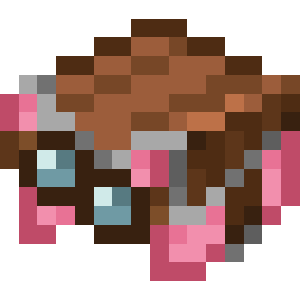 , Gray
 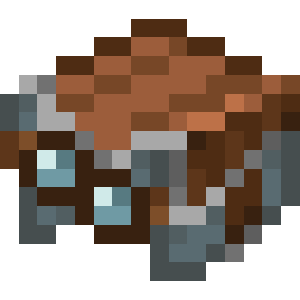 , Light Gray
 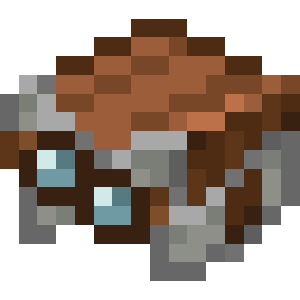 , Cyan
 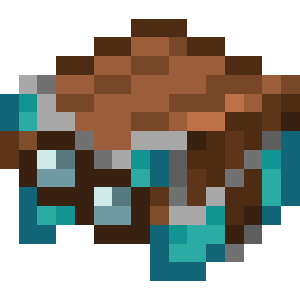 , Purple
 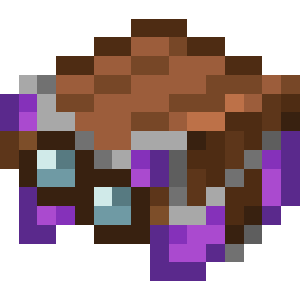 , Blue
 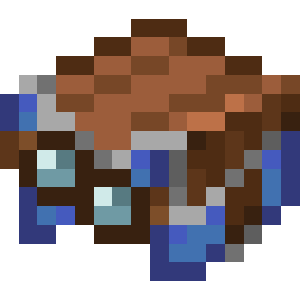 , Brown
 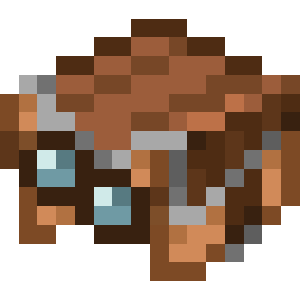 , Green
 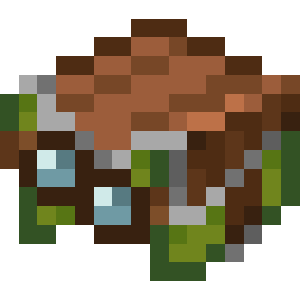 , Red
, Red 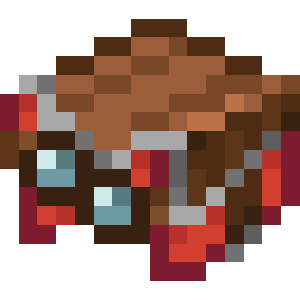 and Black
 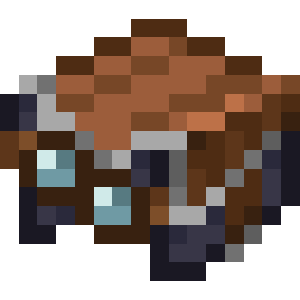 Harnesses. The color shows on the side panels.
How to put it on and take it off
You put a Harness on by clicking the ghast with it. A Dispenser  can do it too. Shears
  take it off, but only while no one is riding the ghast. If the ghast dies, it drops its Harness. Harnesses don't stack.
Leads
Leads can now tie mobs to each other, not just to a player or a fence. The recipe changed as well. The Slime Ball is gone from it, and a Lead is made only from String  . Five String get you 2 Leads.
Mob chains
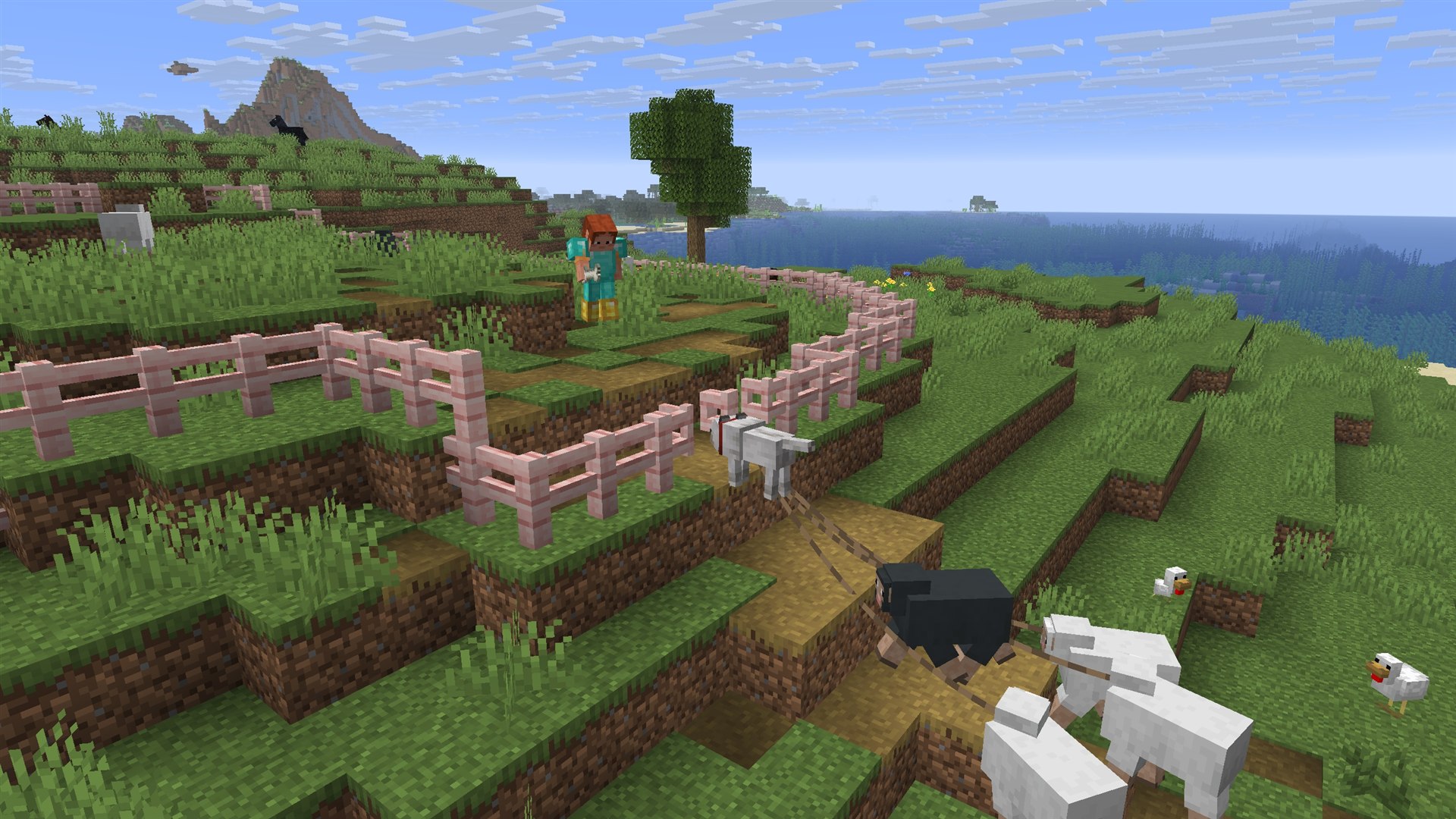
While leading mobs on Leads, walk up to another mob and click on it while holding Sneak. Everything you were leading ends up tied to it. This way a Wolf can lead a flock of Sheep  , and Camels will walk in a caravan. You can't tie a mob to itself.
Fence knots
Click on a Lead knot and all the mobs you're leading move over to it. If you aren't leading anyone, the mobs on the knot move over to you instead. Clicking while holding Sneak only ties mobs on and never unties anyone. Shears or a hit on the knot break all of its links at once. A knot stays as long as at least one Lead is attached to it. Mobs that are too far away can't be tied to it.
Shears and other players' mobs
Use Shears on a mob and they cut its Lead along with the Leads of all mobs tied to it. A Dispenser with Shears cuts the Leads of mobs right in front of it. If you put a Lead on a mob that is already tied to something, the old Lead breaks. In Java Edition, though, you can't take mobs that other players are leading this way.
How Leads behave
Leads are more stable now, especially when the mob isn't standing on the ground. Mobs being pulled by a Lead turn to face whoever is holding it. A Lead breaks at a distance of 12 blocks instead of the old 10, and at 16 for a Happy Ghast. The distance is measured between the mobs' centers, not from their feet. Leads are drawn twice as thick, as in Bedrock. If you're leading mobs and fire a Firework Rocket  in flight, the Leads will break. Breaking a Lead has its own sound now.
Saddles and Shears
The Saddle  is no longer a rare find, since you can craft it. It takes 3 Leather and 1 Iron Ingot
  , and the recipe unlocks as soon as you first pick up Leather. At the same time, Saddles are gone from chests in dungeons, ancient cities, desert temples, jungle temples and stronghold altar rooms. Those chests can hold 1 to 5 Leather instead, and one Saddle takes 3.
Shears remove gear
With Shears, you can take a Saddle, Horse Armor  or a Harness off a mob, and also a Carpet
  off a Llama
  . It won't work if someone is riding the mob or if you're sneaking. A Saddle never comes off a Ravager
  . A Dispenser with Shears can't remove gear from mobs, but it does cut Leads.
Locator Bar
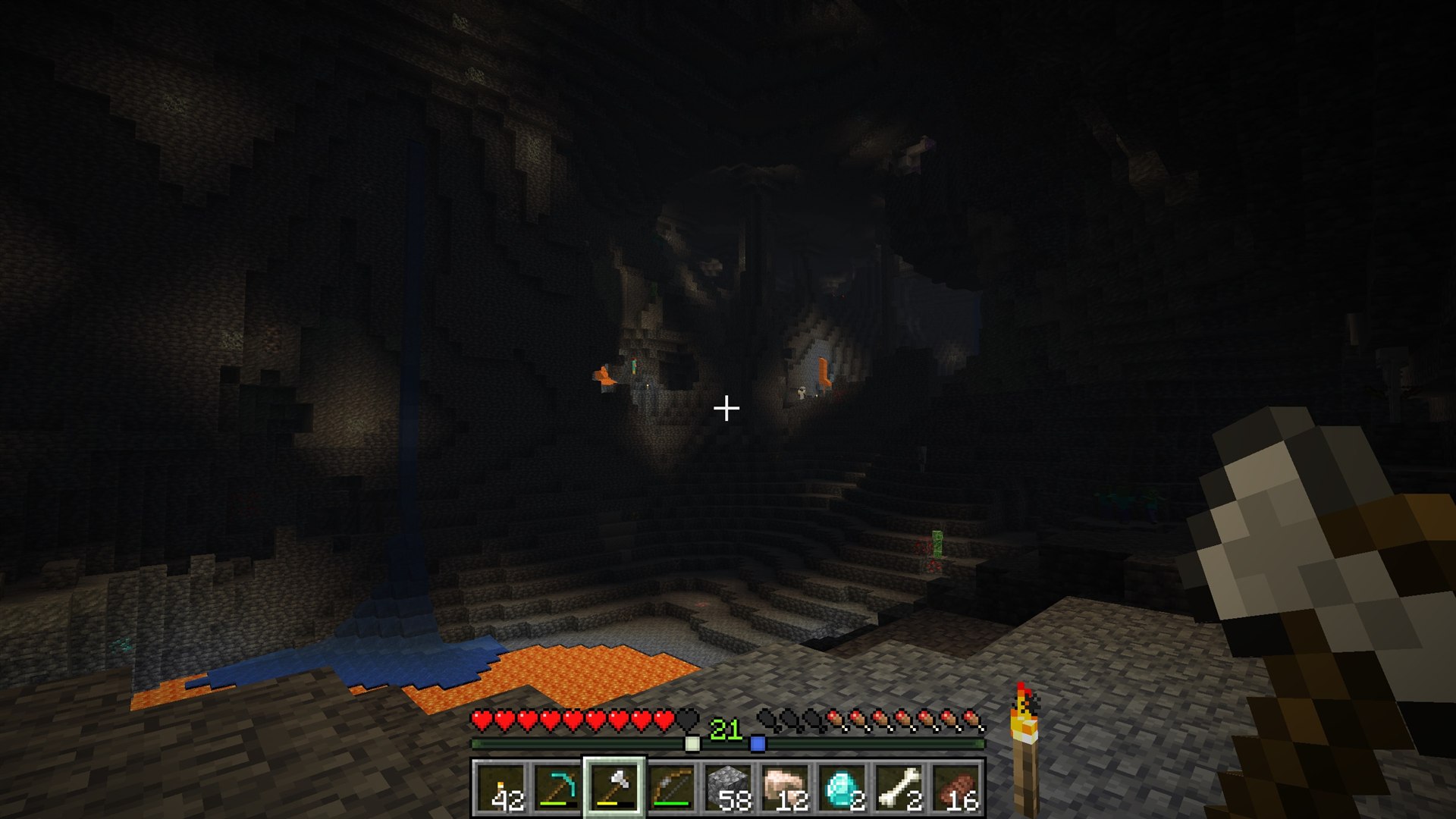
The Locator Bar shows which direction other players are in. It takes the place of the experience bar whenever there is at least one other player in the world who isn't hiding. Gain some experience and the experience bar briefly comes back, then the Locator Bar takes over again. If there are no other players, everything looks the same as before. It comes in handy if your friends have scattered through caves.
How it works
Players inside a 120-degree arc in front of you show up on the bar as colored icons. The farther away a player is, the smaller the icon. If they are above or below the edge of the screen, an up or down arrow appears next to their icon. Each player has their own color, and on a team the icon takes the team's color. You can hide from the Locator Bar, too. You disappear from it if you are sneaking, wearing a mob head  or a Carved Pumpkin
  , or under the effect of a Potion of Invisibility. Players in Spectator mode show up on the Locator Bar only for other spectators.
How to turn it off
The Locator Bar is controlled by the locatorBar game rule. It's on by default. Turn it off and all the waypoints disappear. There are no other new game rules in the drop. Server operators can change the color and look of the icons with the /waypoint command.
Music
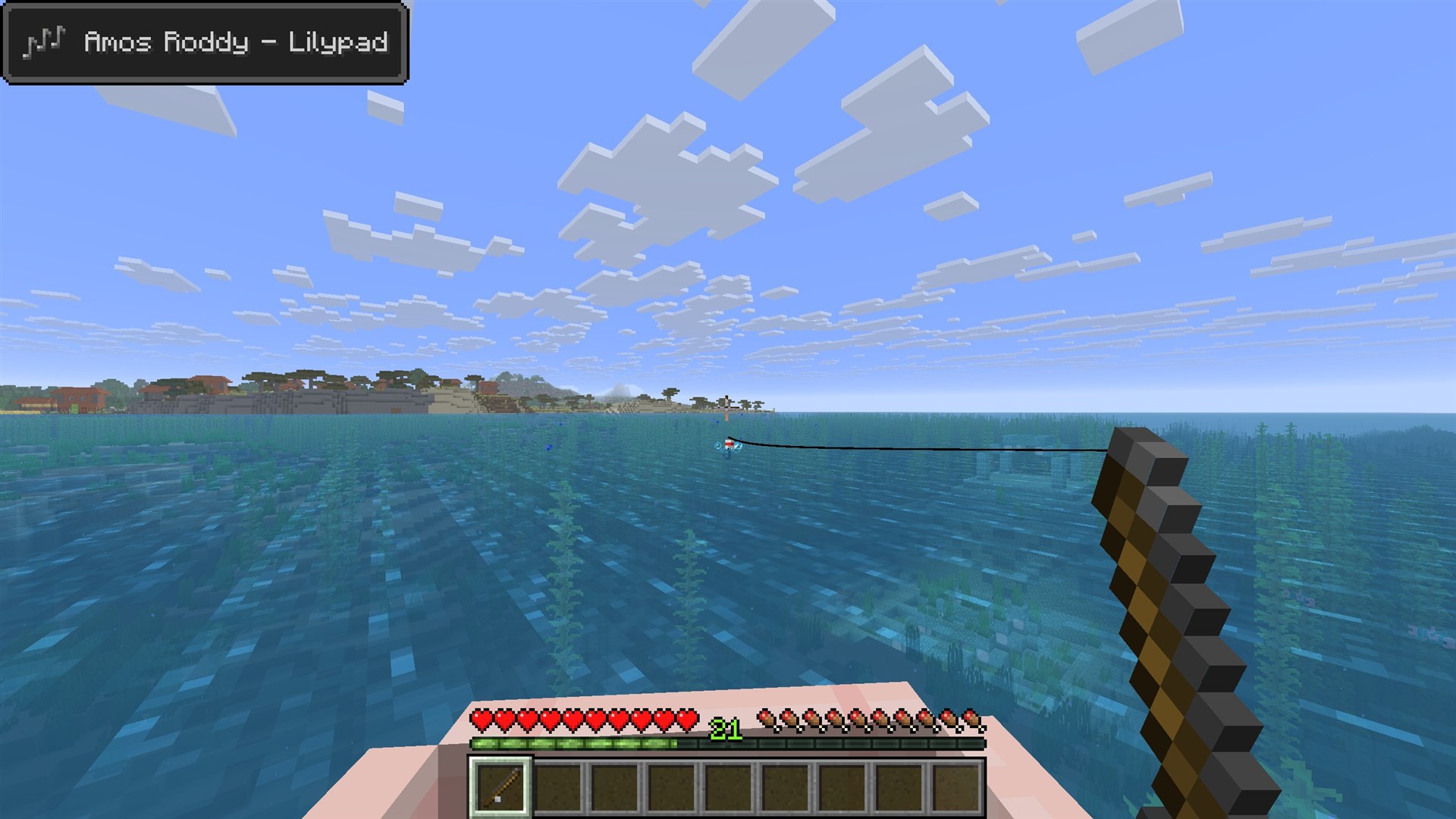
The drop adds five new music tracks and a new music disc. All of it was written by Amos Roddy. The tracks are "Below and Above", "Broken Clocks", "Fireflies", "Lilypad" and "O's Piano". You'll hear them in Cherry Groves, Forests, Deserts, Lush Caves and the Grove biome, and on the main menu as well.
"Tears" music disc 
- Drops from a Ghast if you kill it with a fireball you deflected back at it.
- The same trick earns the long-standing "Return to Sender" advancement, so you can get both the disc and the advancement in one fight.
- In a Jukebox
 , the disc gives a Redstone Comparator
  a signal strength of 10.
Music settings
Music no longer stops when the game is paused. How often music plays in the world is set by the Music Frequency setting. It has three positions, Default, Frequent and Constant. The Show Music Toast setting shows the name of a track in the corner of the screen when it starts playing. With it on, the current track is always visible in the top-left corner of the pause menu.
Sounds
UI sounds such as button clicks got their own volume category, called UI. You can hear them while the game is paused, too. The Friendly Creatures and Hostile Creatures categories were renamed Friendly Mobs and Hostile Mobs. Desert sounds were reworked as well. Sand no longer needs open sky to make its sound. Short and Tall Dry Grass make a wind sound if there are two blocks of Sand, Red Sand or Terracotta under them. The Dead Bush rustles a little more often than before.
Other gameplay changes
Combat and projectiles
- The strength of a Splash Potion
 now depends on the distance between a creature's hitbox and the potion's hitbox. A direct hit applies the effect at full strength, and creatures standing right next to each other get the same amount.
 - A projectile used to hit its target even when it passed 0.3 blocks away. Now there is no such margin for the first two ticks of flight, and after that it grows by 0.05 blocks per tick until it reaches 0.3 again.
- When you fly with Elytra
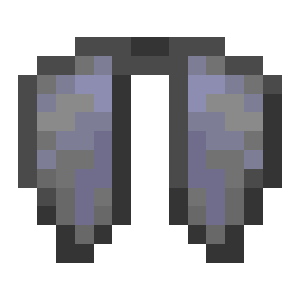 , a Firework Rocket now always works as a boost, even if you are aiming at a block.
 - Paintings, Item Frames and other hanging decorations no longer break when TNT explodes underwater. Dropped items and Armor Stands, on the other hand, take damage from it again.
- A player in Spectator mode who is watching through another entity's eyes follows it into another dimension, but switches back to the normal view there. When you spectate or ride a Ghast or an Ender Dragon, the third-person camera sits farther back.
Mobs
- Horses, Donkeys and Mules can be fed Carrots
 . Carrots heal them, speed up their growth and help tame them.
 - Wolves, Sheep and Pigs
 have mirrored legs.
 - The regular Ghast's texture was redrawn at double the resolution.
Realms
- The Realms settings screen was split into tabs for worlds, players, subscription and general settings.
- The settings gained a Region Preference option, and when you connect, you can see which region the server is in.
- The buttons for closing and opening a Realm were renamed to make it clear that closing is temporary.
- Loading screens now show the Realms logo.
World and small touches
- The Adventure tab has another new advancement, "Heart Transplanter", and this one has nothing to do with ghasts. You get it by placing a Creaking Heart
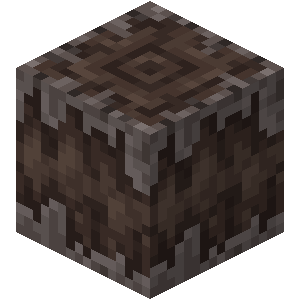 correctly between two Pale Oak Logs
  .
. - The new main menu splashes include "Chicken Jockey!" and "Music by Amos Roddy!". The "Minors welcome!" splash was removed.
- The game has two new languages, Cantabrian and Indonesian in its pre-reform spelling.
- As is tradition, the changelog includes the line "Removed Herobrine".
Graphics, interface and settings in Java Edition
Fog and clouds
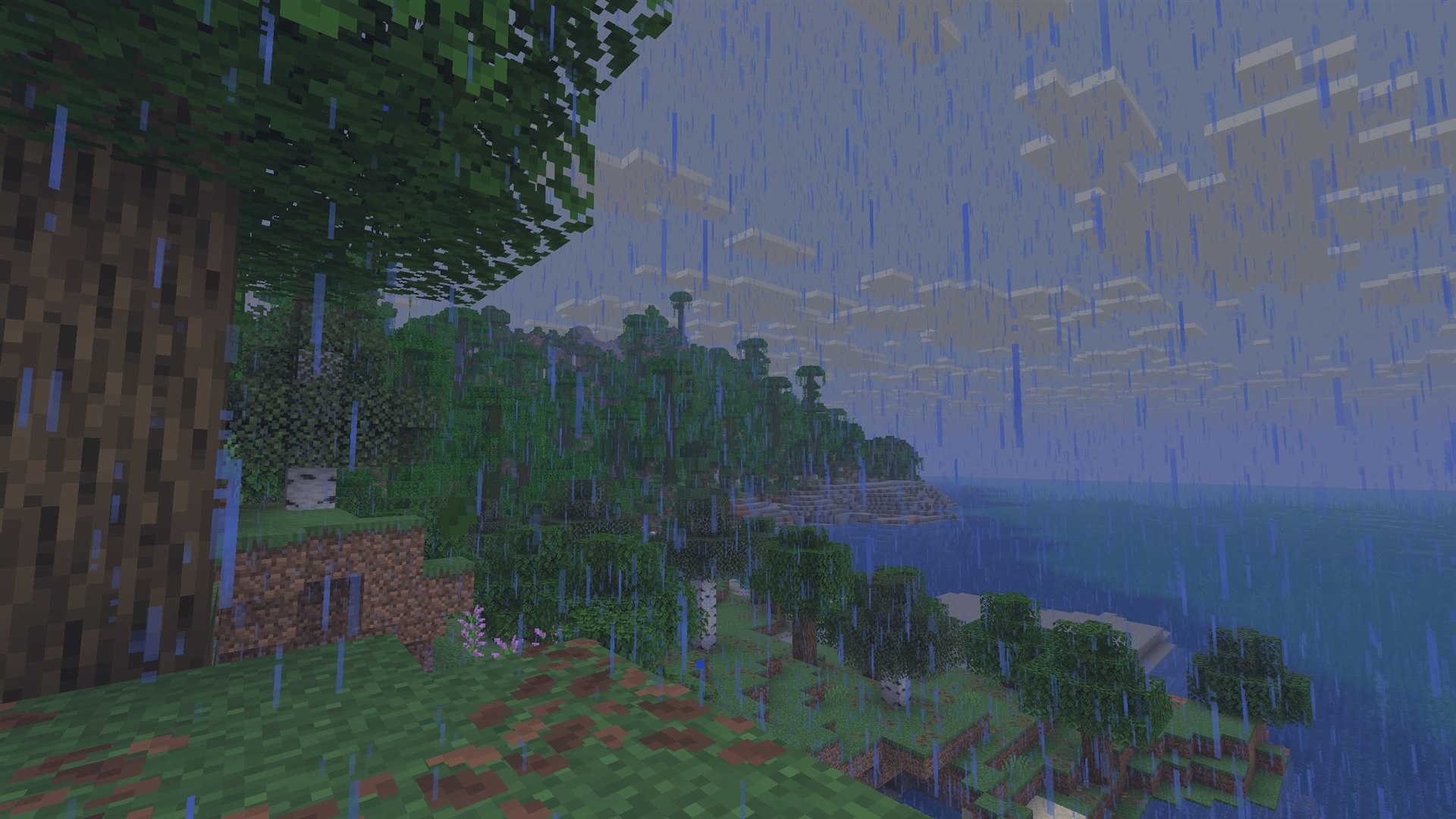
Fog was retuned, and distant objects fade more into the haze. It is thicker in rain than in clear weather. Fog also covers your hands and whatever is in them when you look in first person. Clouds now reach all the way to the horizon and have a new pattern. If they slow your computer down, reduce the Cloud Distance setting. The clouds.png texture can no longer be recolored.
Interface
- The new main menu panorama shows Happy Ghasts flying by a mountainside.
- If you click a command in a book or in chat that can't be parsed or that needs a permission level above 0, the game will ask you to confirm first.
- Pressing F3 + V prints the client version in chat.
For servers, data packs and map makers
Waypoints and the /waypoint command
The icons on the Locator Bar are called waypoints. Any living entity, such as a mob or an Armor Stand, can have a waypoint. Two attributes control this, Waypoint Transmit Range (waypoint_transmit_range) and Waypoint Receive Range (waypoint_receive_range). For players, both ranges reach 60,000,000 blocks by default. Set either attribute to 0 and the player stops showing their own waypoint or stops seeing everyone else's. The /waypoint command needs permission level 2. The list subcommand lists waypoints, and modify changes a waypoint's color by name or hex code, sets its style or resets its settings.
Dialogs
Servers and data packs can show players simple pop-up windows called dialogs. The changelog calls dialogs an experimental feature. It doesn't mention a separate toggle for them, though. A dialog is defined in the dialog registry or right inside a command. In singleplayer, a dialog pauses the game by default.
Through the pause_screen_additions tag, dialogs show up in the pause menu and replace the old Server Links button. The game has the built-in dialogs server_links, custom_options and quick_actions. The Quick Actions key, G by default, opens the dialogs from the quick_actions tag. In the vanilla game this tag is empty, so the key does nothing. You can show a dialog to chosen players with /dialog show and close it with /dialog clear.
Other commands
- The /version command with no arguments prints the server version. It works in singleplayer, and on a server it is available to operators.
- The /datapack create command creates an empty data pack as a folder for the current world. Only the server owner can use it.
- The /playsound command gained the ui category, whose sounds can be heard even while the game is paused.
- The command syntax report now lists the required permission level.
Versions and data
- The data pack version went up to 80, and the resource pack version to 63.
- All JSON files are now parsed in strict mode.
- The camera_distance attribute (Camera Distance, default 4) sets how far the camera sits from the player in third-person view. If the mob the player is riding has a higher value, that value applies.
- The flying_speed attribute now affects Ghasts and Happy Ghasts.
The 1.21.7 and 1.21.8 updates
Java Edition 1.21.7 came out on June 30, 2025. Mojang jokingly called it a "hot-as-lava" hotfix. Along with bug fixes, it brought a painting and a music disc.
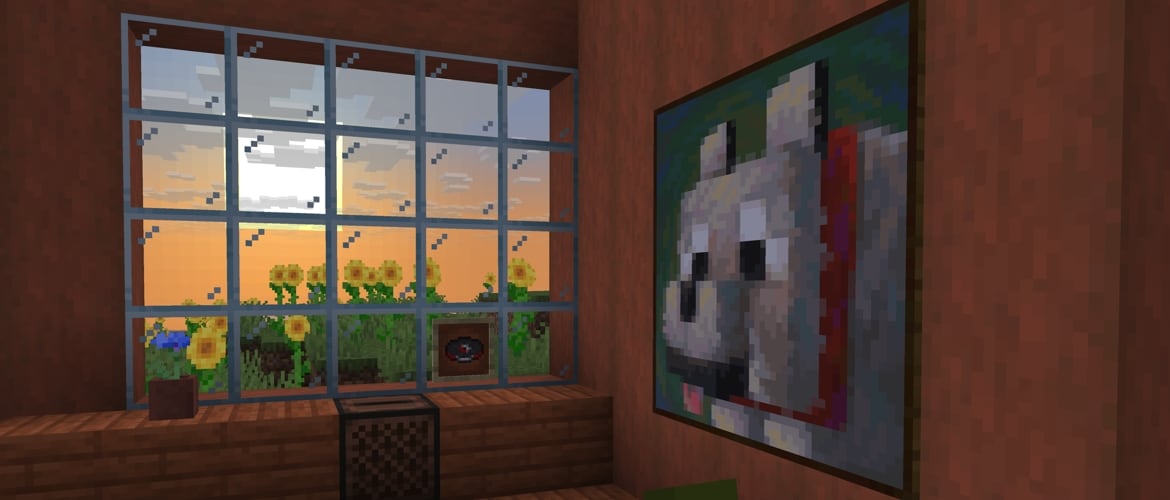
"Dennis" painting 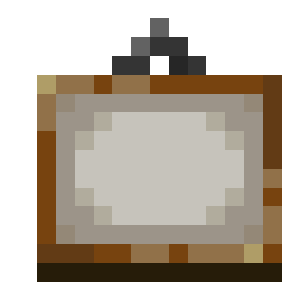
- The 3×3-block painting by Sarah Boeving shows a good boy.
- Bedrock already had it in 1.21.90, while Java Edition only got it with this hotfix.
- It has no recipe of its own. It is one of the paintings that come up at random when you hang a regular Painting.
"Lava Chicken" music disc 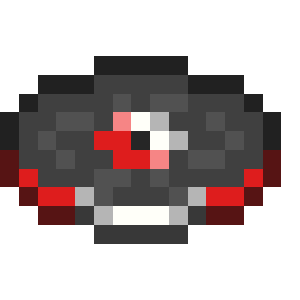
- The disc by Hyper Potions drops when you kill a baby Zombie riding a Chicken
 .
.
1.21.7 fixes
Version 1.21.7 fixed 16 bugs, and more than half of them concern graphics, such as rendering on Qualcomm graphics cards and memory leaks when reloading resource packs. Players no longer fall through a Happy Ghast when they get off it while it is moving. A 1.21.7 client can't connect to a 1.21.6 server, so the server needs updating too.
The 1.21.8 update
Java Edition 1.21.8 came out on July 17, 2025. It is a hotfix with no new features. Almost all of its 8 bug fixes concern Intel Gen11 integrated graphics. On those chips, the game froze, mixed up textures and lighting, and inventory items turned invisible or a single color. One more fix removed a crash on some AMD graphics cards when loading a resource pack with an invalid shader. Clients on 1.21.8 can connect to 1.21.7 servers.
Development history
Test versions of the drop came out in Java Edition from April 8 to June 12, 2025. In that time Mojang released 7 snapshots, 4 pre-releases and a release candidate. Starting with this cycle, snapshots come out on Tuesdays. Mojang announced the name "Chase the Skies" on June 1.
- 25w15a, April 8. The Happy Ghast, Ghastling, Dried Ghast and Harness arrived. Back then the Dried Ghast was crafted from a Bone Block, and the Locator Bar had to be turned on as a separate experiment.
- 25w16a, April 15. Leads learned to tie mobs to each other and attach cargo to a ghast, and clouds stretched out to the horizon.
- 25w17a, April 22. The Locator Bar left experiments, and clouds got a distance setting. The Realms settings screen was split into tabs.
- 25w18a, April 29. Leads started being made from String, and the Dried Ghast from Soul Sand. Piglins began giving Dried Ghasts in exchange for gold.
- 25w19a, May 6. Fog became denser in the distance and thicker in rain, and the hit zone of projectiles changed.
- 25w20a, May 13. The "Tears" disc, five tracks by Amos Roddy, Saddle crafting and removing gear with Shears arrived. The music toast, the new panorama and the first dialogs appeared at the same time.
- 25w21a, May 20. The cloud pattern was updated, Horses learned to eat Carrots, and breaking a Lead and removing gear got their own sounds.
- Pre-Release 1, May 28. The Quick Actions key arrived, G by default.
- Pre-Release 2, June 2. The "Creatures" sound categories were renamed "Mobs".
- Pre-Release 3, June 4. The UI volume category and the player_sheared_equipment trigger were added, and the data pack version went up to 80.
- Pre-Release 4, June 10. 4 bugs were fixed, including one that made Happy Ghasts freeze when players got off them.
- Release Candidate 1, June 12. 3 more bugs were fixed, among them the wrong position of players on the Locator Bar after respawning.
- 1.21.6, June 17. The drop itself was released.
- 1.21.7 Release Candidate 1, June 25, and Release Candidate 2, June 26. The "Dennis" painting and the "Lava Chicken" disc were added, and the data pack and resource pack versions went up to 81 and 64.
- 1.21.7, June 30. The first hotfix was released.
- 1.21.8 Release Candidate 1, July 15, and 1.21.8, July 17. The second hotfix fixed graphics bugs on Intel graphics cards.
Fixed bugs
The 1.21.6 changelog lists 98 fixed bugs. Bugs that appeared and were fixed during development are not in that list. If you add up the lists from all the snapshots, pre-releases and the release candidate, you get 221 entries.
Clouds, fog and graphics
Clouds no longer end before fog hides them, and they fill the whole sky. Translucent blocks that a Piston is moving or that are falling are now hidden by fog. A Beacon beam below the player no longer disappears after the chunk reloads, and the black spots in the End sky are gone.
Sound and music
If you turn music back on in the settings, it starts playing again. A track no longer cuts off after you change the volume. The /playsound command no longer plays a sound in all dimensions at once.
Mobs
Drowned that are allowed to break doors break them again. Ghasts now get effects from potions thrown onto their heads, and Withers take damage and healing from Splash Potions thrown above them. Tamed animals told to sit no longer stand up when their owner changes dimension. Mobs without AI can be ridden again.
Portals, minecarts and movement
Minecarts in Nether portals behave the same way as before 1.21.5 again. A boat no longer falls through the block below it if you hit it while running and get in right away. Ender Pearls no longer freeze in midair for no reason, and you can now climb diagonally onto a slab through hanging Scaffolding.
Gear and textures
The armor.body and saddle slots on players now respect the keepInventory rule and are cleared by the /clear command. In the "Programmer Art" pack, the textures of the Cow, the Brown Mooshroom and the Chicken Spawn Egg were fixed. In the default textures, pixels were fixed on the Mooshroom Spawn Egg and the Pale Oak Boat.
Bedrock Edition 1.21.90
Bedrock Edition 1.21.90 "Chase the Skies" came out on June 17, 2025, the same day as Java Edition 1.21.6. The main features are the same. They include the Dried Ghast, Ghastling and Happy Ghast, the Harness, the Locator Bar, Saddle crafting, the new Leads, the "Tears" disc and five tracks by Amos Roddy. Bedrock also got the Vibrant Visuals graphics mode, which is on by default on supported devices and does not exist in Java Edition.
- In Bedrock, you can take someone else's mob on a Lead by putting it on your own Lead. You still can't cut other players' Leads, though.
- If you try to shear a Sheep on a Lead, the Shears remove the Lead instead of the Wool.
- Llamas on a Lead no longer try to form a caravan.
- Baby mobs can only be tied to something else, and nothing can be tied to them.
- A Lead can pull a boat out of water, and boats in flight are now slowed by air resistance.
- Other mobs can push a Happy Ghast even while players are flying on it. The only ghast that can't be pushed is one that has frozen because a player is standing on it.
- As in Java Edition, the level number shows above the Locator Bar. After you close an Anvil or an Enchanting Table, the experience bar shows instead of the Locator Bar for 5 seconds.
- In Bedrock, a Ghastling is summoned with the /summon happy_ghast command and the spawn_baby event.
- The Blaze now attacks from up to 48 blocks away instead of 16, and a Beacon beam rises to a height of 2048. The launch from the Wind Burst enchantment now matches Java Edition, and Nether fossils now generate almost as often as they do in Java Edition.
The next Java Edition version, 1.21.9 "The Copper Age", came out on September 30, 2025.
Download JustLauncher
Discussion
No comments yet
Be the first to leave one