
Update 2.4.0: JustFollow subscription, capes and feed
The site now has the JustFollow subscription, a wardrobe and a cape editor, and the feed has learned to recommend posts.
 English
Update 2.4.0 brings the JustFollow subscription, a wardrobe and a cape editor to the site, and the feed has learned to recommend posts. The highlights are below; everything else is listed at the end.
JustFollow subscription
JustFollow is a JustLauncher subscription: 499 ₽ for 30 days, with no automatic charges. You can get it on the site and in the launcher. On the site, subscribe here: JustFollow.
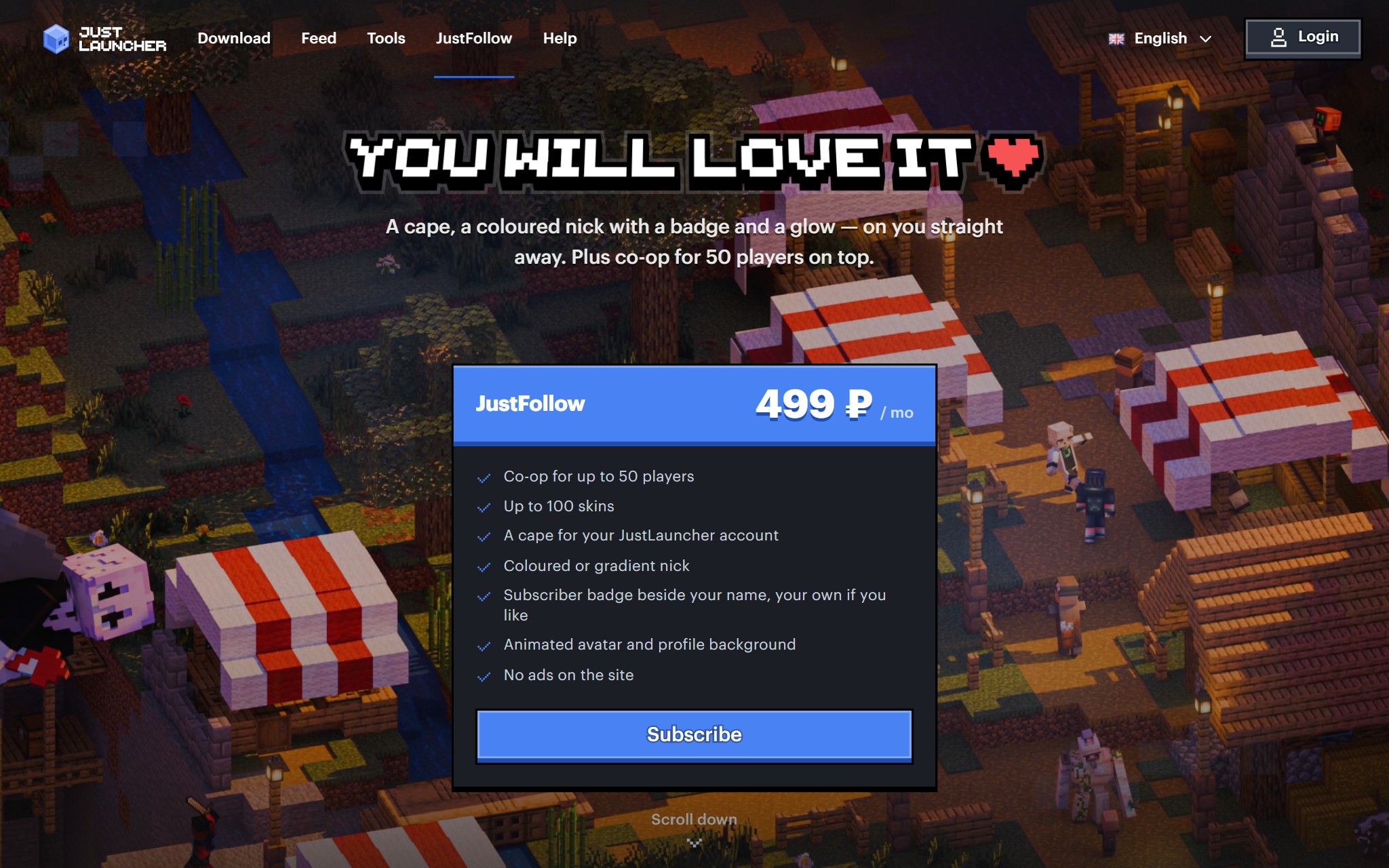
- Coloured nick and badge. Fill your nick with a colour or a gradient, or colour it letter by letter, and put the JF badge or your own next to it, GIFs included. They show up in posts, comments and your profile.
- Animated profile. Your avatar and profile background can be GIFs of up to 2 MB.
- Your own cape. Draw a cape in the cape editor on the site and wear it on your JustLauncher account.
- No ads on the site. While your subscription is active, the site shows no ads. The launcher has no ads even without a subscription.
- More skins. Up to 100 skins in your account instead of 12.
- More players in co-op. Up to 50 players instead of 10.
Skins and capes
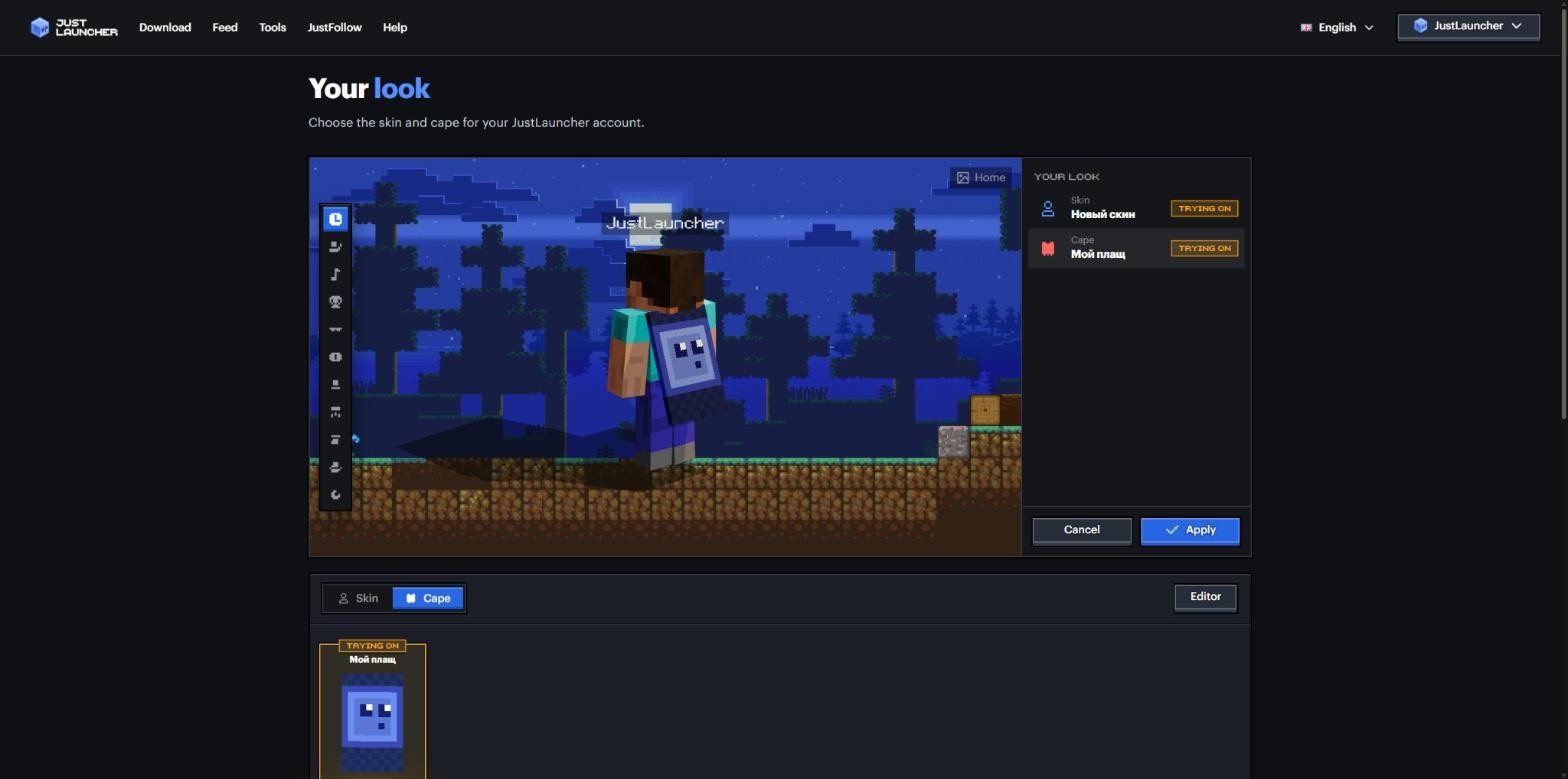
Your skin and cape are now set up in the account menu at the top, under “Skin”. That’s the wardrobe: you can try on a skin and a cape before wearing them, and pick the Steve or Alex model. Capes are stored in your account, up to 10 of them.
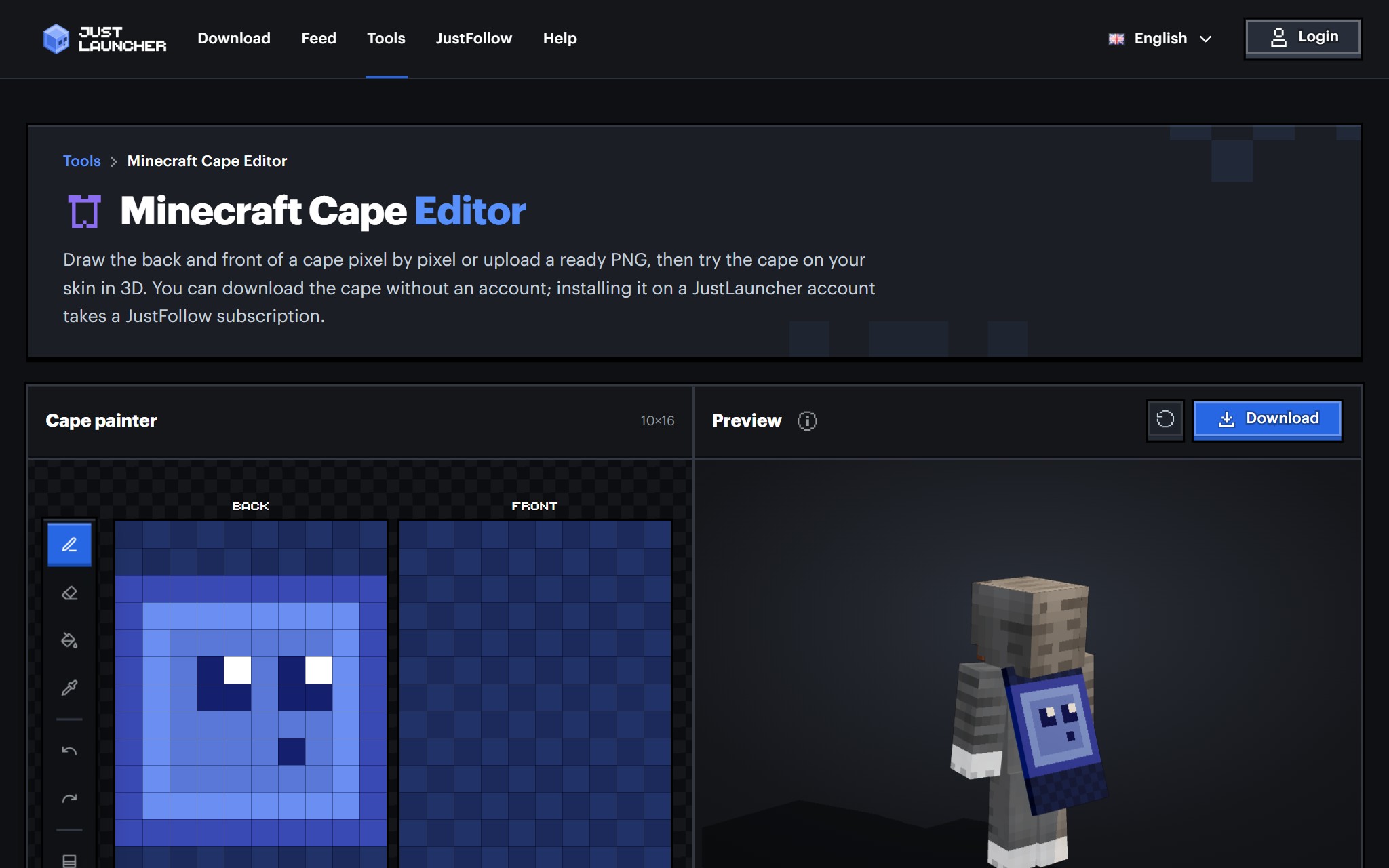
Capes got their own editor: draw the back and the front pixel by pixel or upload a ready PNG, and try the cape on your skin in 3D right away. You can download a cape without an account; wearing it takes a subscription.
Feed
The feed has a new recommendation system: posts that people like and discuss rise higher, while spam and repeats sink lower. You won’t see a lot of posts from the same author in a row. In the “Following” tab, posts are still sorted by time.
Community rules
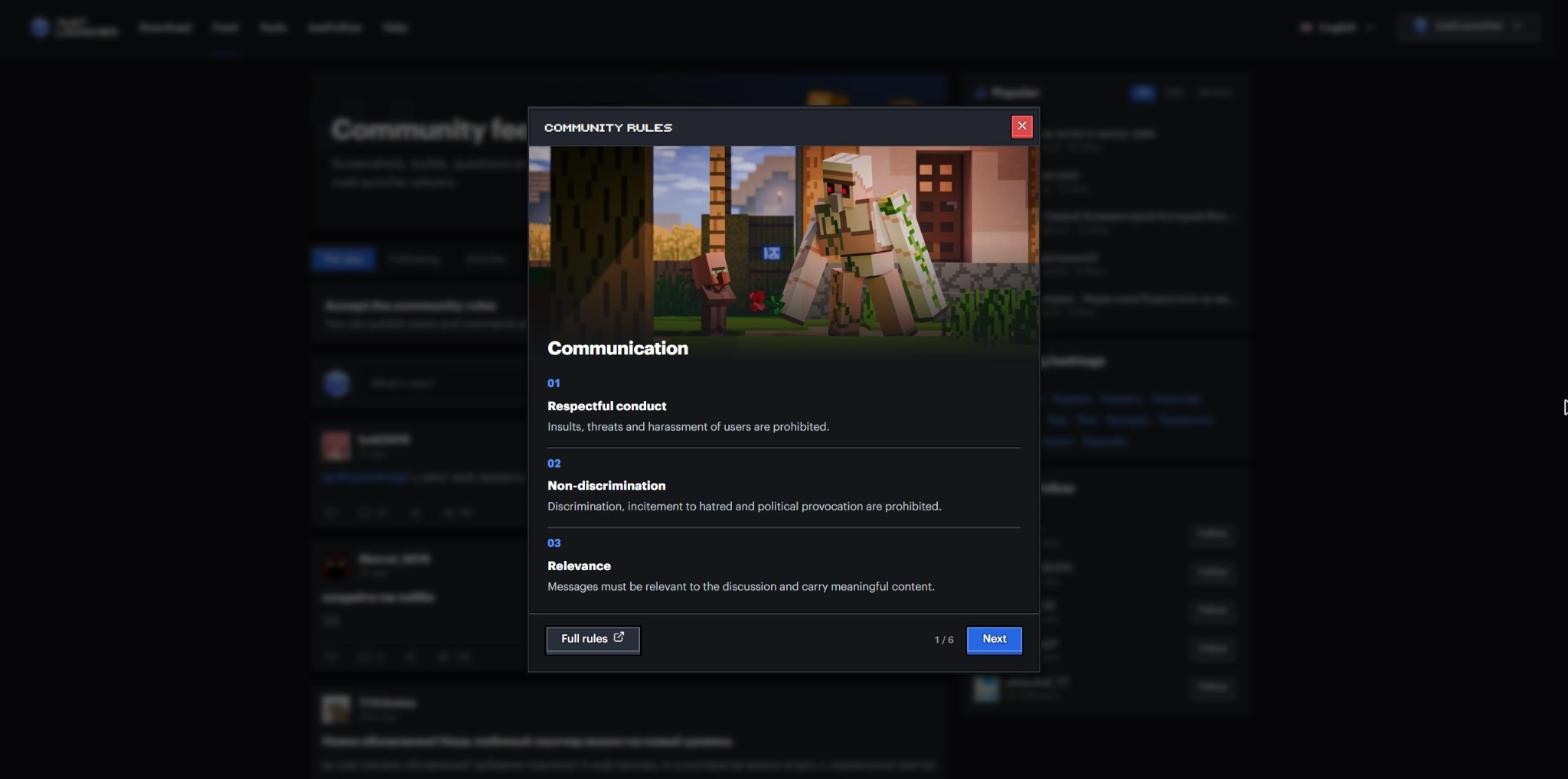
Before your first post or comment, you now see a short introduction to the community rules. The full text is on the Community rules page.
Launcher
- If a modpack author has blocked mod downloads through third-party launchers, download the file to your Downloads folder and the launcher will add it to the modpack itself.
- You can change your JustLauncher account nickname in the profile editing window.
- Files from CurseForge download through our mirror, and a download that breaks off midway restarts on its own.
What else changed
Changed
- New design for the profile editing window.
- On the launcher home page, article cards with images are wider, the author’s nickname is white and the banner sits lower.
- Players in the lobby are shown in a new way.
- A new site home page.
- Notifications about your subscription and profile moderation; on the site you can filter them under “System”.
- If your account is restricted, you can see the reason and for how long.
- Internal launcher updates.
Fixed
- Signing in and using services after the session expires or when the computer clock is off.
- A removed profile background no longer comes back after saving.
- The semi-transparent second skin layer no longer casts a shadow or darkens.
- “Show in folder” works for files with spaces in their names.
- The installation list in the assistant window no longer shifts.
- An empty strip above popular modpacks.
- On Linux, links and folders open properly.
Update and try it out. If you find a bug or have an idea, leave a comment under this article.
To keep up with future updates, follow us on Telegram, VK and Discord.
Download JustLauncher
Discussion
No comments yet
Be the first to leave one